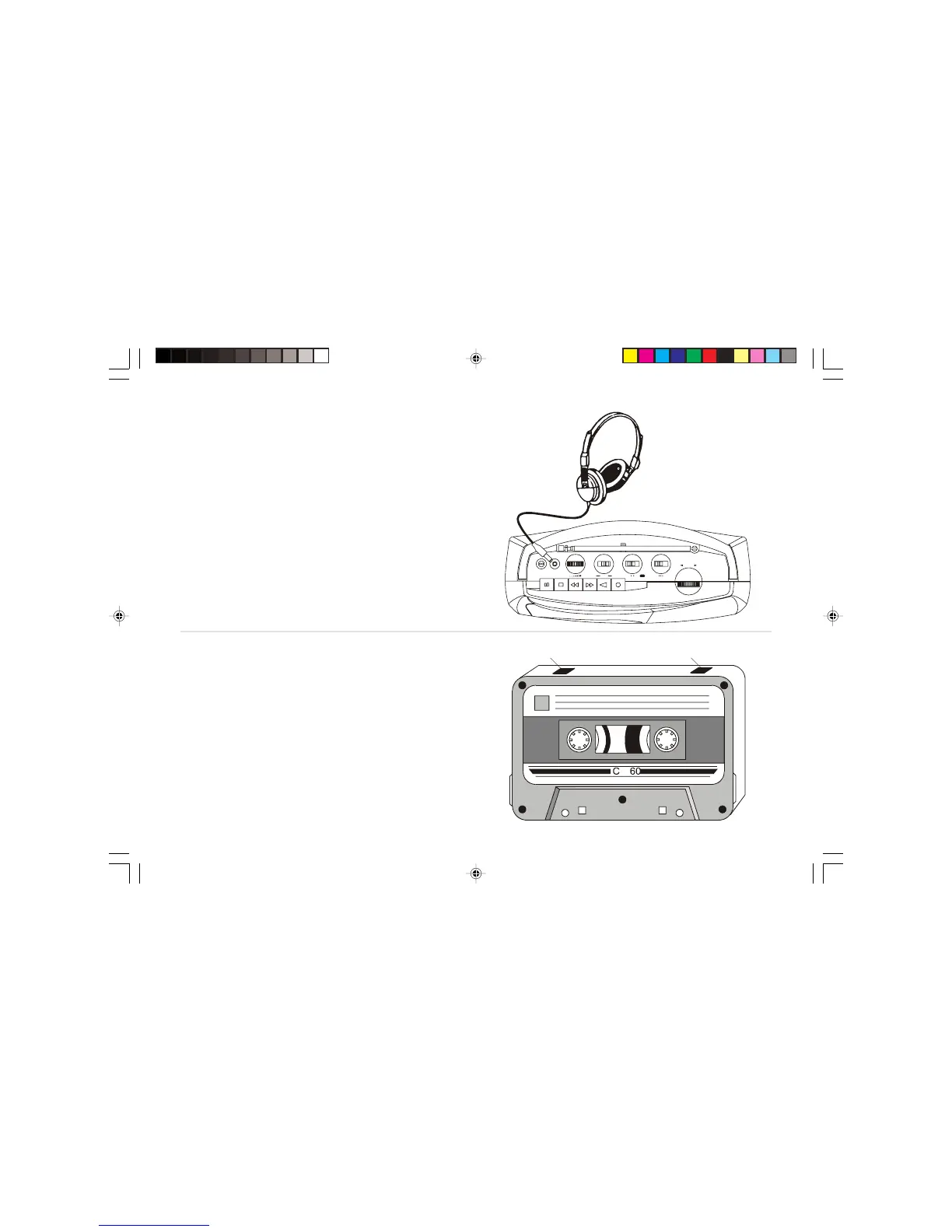
Headphones socket
A 3.5mm Headphone Socket located on the top of your radio cassette
is provided for use with either headphones or an earpiece. Inserting a
plug into the socket automatically mutes the internal loudspeaker.
IMPORTANT: Excessive sound pressure from earphones and
headphones can cause hearing loss.
Preventing accidental erasure
To safeguard your recordings against accidental erasure, break off the
appropriate tab on the cassette as shown . There is one tab for each side of
the cassette. This will prevent the Record button from being pressed. To
restore the cassette to normal, seal the tab openings with a small piece of
self-adhesive tape.
Safety tab side A Safety tab side B
14
RC9907 Issue 3.pmd 1/26/2007, 1:35 PM15


 To Next Page