If you need any further advice, please call our Technical Helpline on :-
0208 758 0338 (Mon-Fri)
Setting the date
1. Press the Set button four times, the display will show the months digit.
2. Press the Mode button until the required month is displayed.
3. Press the Set button, the display will show the day of the month digit.
4. Press the Mode button until the required day of the month is displayed.
5. Press the Set button three times to return to the normal clock display.
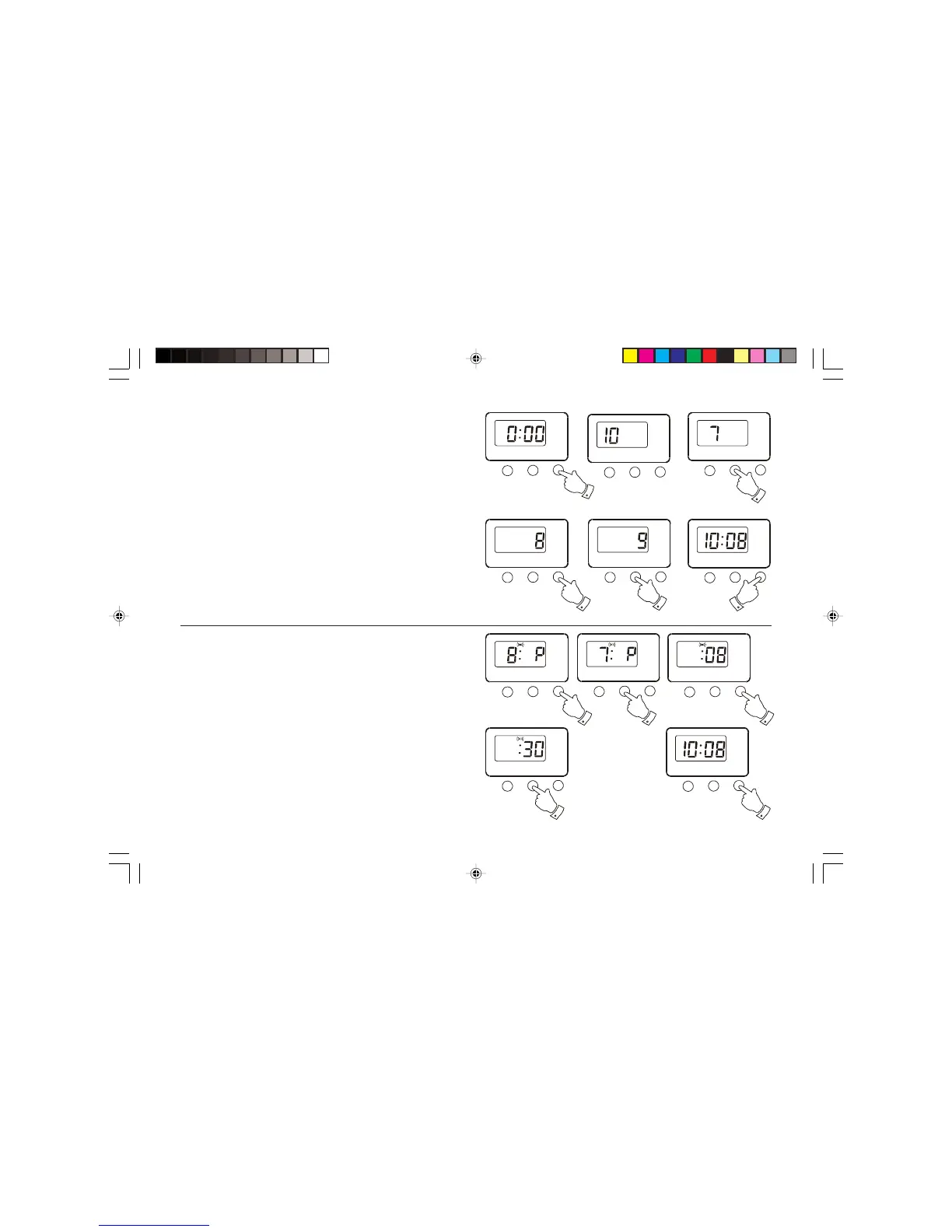
Setting the alarm time
1. Press the Set button twice, the display will show the hours digit .
2. Press the Mode button until the required hour is displayed.
3. Press the Set button the display will show the minutes digit.
4. Press the Mode button until the required minute is displayed.
5. Press the Set button to return to the normal clock display.
Alarm off



 To Next Page