If you need any further advice, please call our Technical Helpline on :-
0208 758 0338 (Mon-Fri)
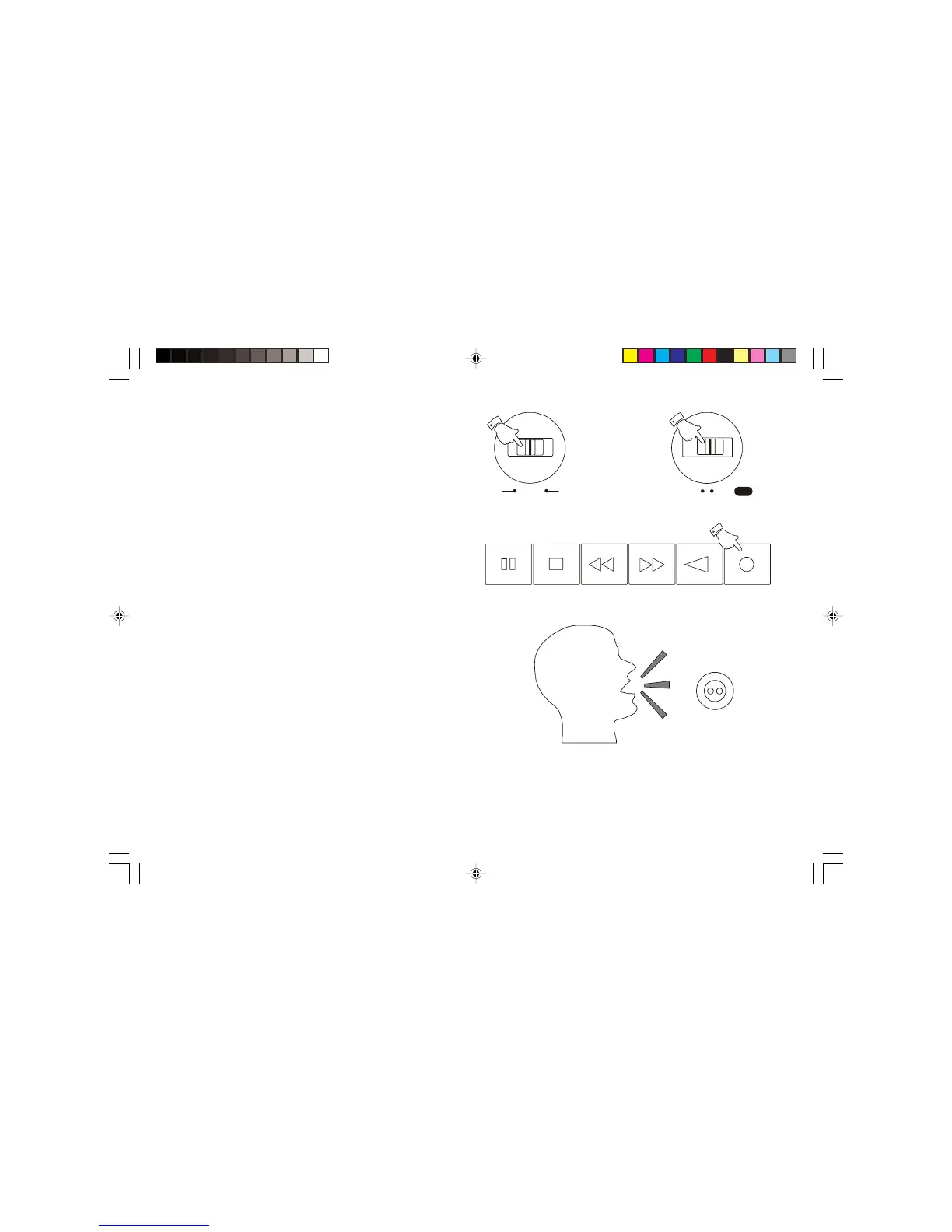
Recording from the Internal Microphone
1. Ensure that the Operation switch is in the 'Manual' position.
2. Set the Function switch to the 'Tape' position.
3. Insert a blank cassette with the tape surface uppermost.
4. Press the Record button to commence recording.
Note : to reduce background noise it is important to speak as close as
possible to the Internal microphone .
Operation


 To Next Page