5
Medium and long wave operation
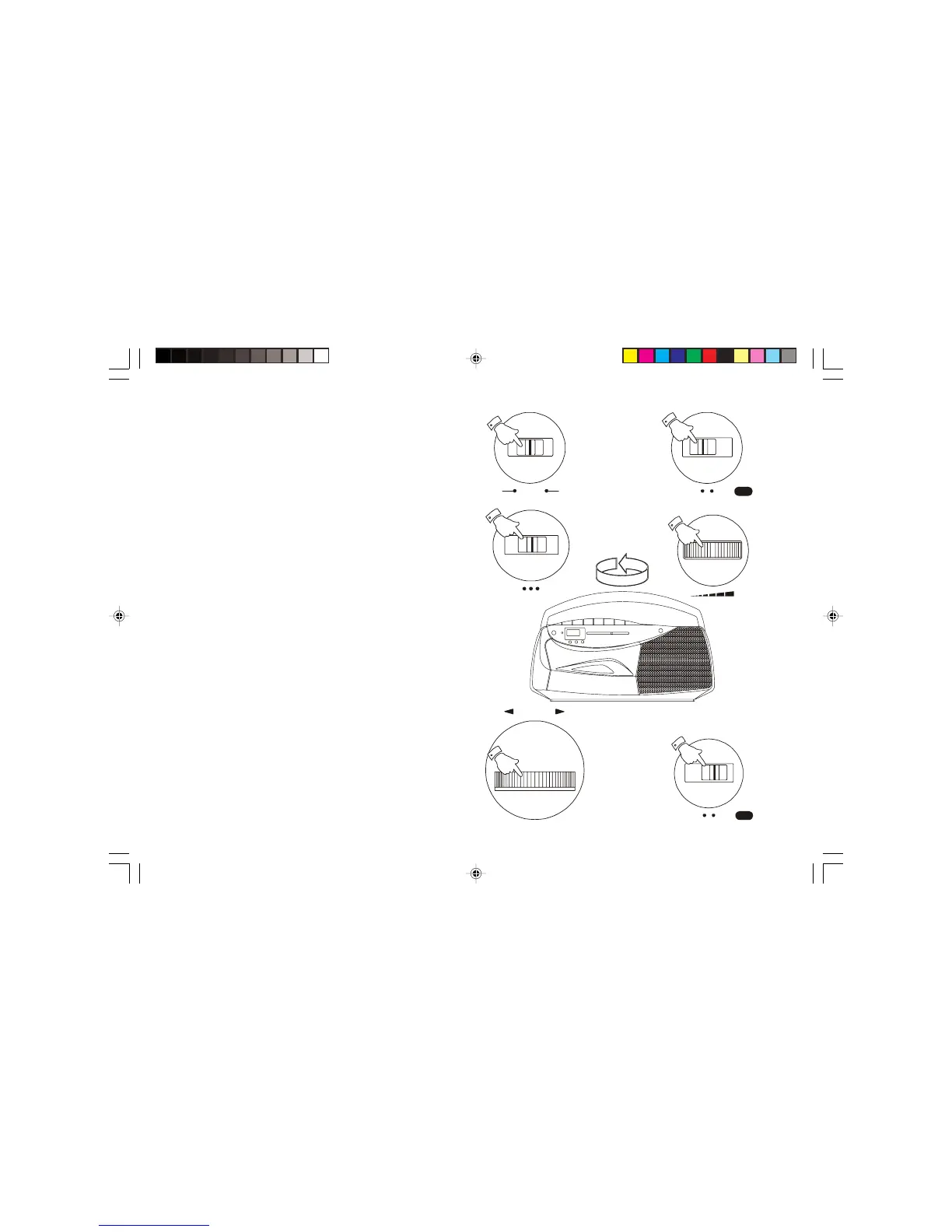
1. Ensure that the Operation switch is in the 'Manual' position.
2. Set the Function switch to the 'Radio' position.
3. Select 'MW' or 'LW' using the Waveband switch.
4. Adjust the Volume control until a hissing sound is heard.
5. Carefully tune to the desired station using the Tuning control.
6. Rotate your radio cassette for optimum reception.
7. The MW and LW bands are marked in kilohertz (kHz).
8. To switch off the radio set the Function switch to the 'Tape Off '
position.
Operation


 To Next Page