EasyManua.ls Logo

Roberts Sound 38 - User Manual

Roberts Sound 38
40 pages
Print Icon
To Next Page IconTo Next Page
Loading...
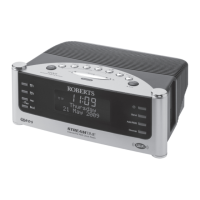
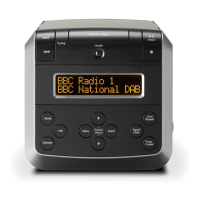
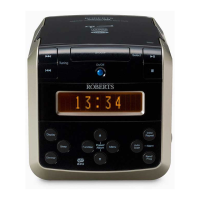
DAB / DAB+ / FM / CD Stereo Clock Radio with CD Bookmark
Please read this manual before use
ROBERTS
Question and Answer IconNeed help?

Do you have a question about the Roberts Sound 38 and is the answer not in the manual?

Summary

Sound 38 Clock Radio Features

Getting Started with Your Clock Radio

Initial Setup and Clock Setting

Guide for first-time setup, including connecting power and setting the clock.

Radio Operation

DAB Radio Functions

Operating the clock radio in DAB mode, selecting stations, and tuning.

FM Radio Functions

Tuning FM stations, display options, and stereo/mono settings.

Station Presets

Storing and Recalling Presets

How to save favorite DAB/FM stations and recall them later.

Alarms and Timers

Setting and Managing Alarms

Configuring alarm times, sources, and snooze settings.

Summary

Sound 38 Clock Radio Features

Getting Started with Your Clock Radio

Initial Setup and Clock Setting

Guide for first-time setup, including connecting power and setting the clock.

Radio Operation

DAB Radio Functions

Operating the clock radio in DAB mode, selecting stations, and tuning.

FM Radio Functions

Tuning FM stations, display options, and stereo/mono settings.

Station Presets

Storing and Recalling Presets

How to save favorite DAB/FM stations and recall them later.

Alarms and Timers

Setting and Managing Alarms

Configuring alarm times, sources, and snooze settings.

Roberts Sound 38 Specifications

General IconGeneral
BrandRoberts
ModelSound 38
CategoryClock Radio
DisplayLCD
Presets20
AlarmYes
Snooze functionYes
Sleep timerYes
Power SourceMains
Battery BackupYes
Radio BandFM
Alarm TypeBuzzer or Radio

Related product manuals