41
Controlling playback cont.
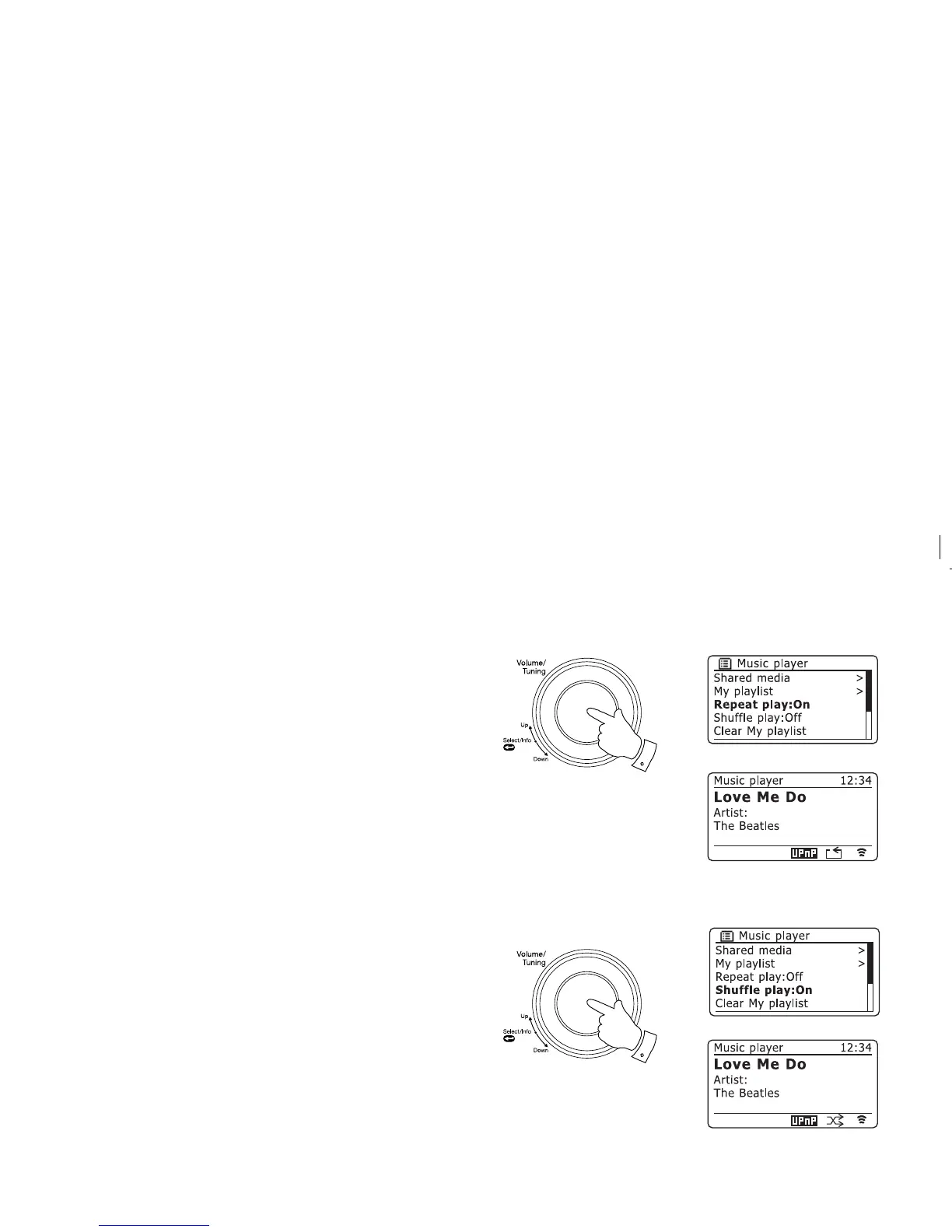
Repeat tracks
1. Ensure you are in the main Music Player menu.
2. Rotate the Tuning/Select control until 'Repeat play' is highlighted.
3. To activate the repeat option press the Tuning/Select control so that 'On'
appears on the display. Your selected tracks will be played repeatedly
and the repeat indicator will show on the display.
4. To turn off the repeat option highlight 'Repeat play' and press the Tuning/
Select control so that 'Off' appears on the display.
Shuffl e tracks
1. Ensure you are in the main Music Player menu.
2. Rotate the Tuning/Select control until 'Shuffl e play' is highlighted.
3. To activate the random option press the Tuning/Select control so that
'On' appears on the display. Your selected tracks will be played in random
order and the random indicator will show on the display.
4. To turn off the random option highlight 'Shuffl e play' and press the Tuning/
Select control so that 'Off' appears on the display.
If both Repeat and Shuffl e play options are set to 'On' then both Repeat and
Shuffl e icons will be shown in the display.
Note: The shuffl e play function may only be used if the current selection
comprises fewer than 500 tracks.
2-4
2-4















 To Next Page