91
Search function
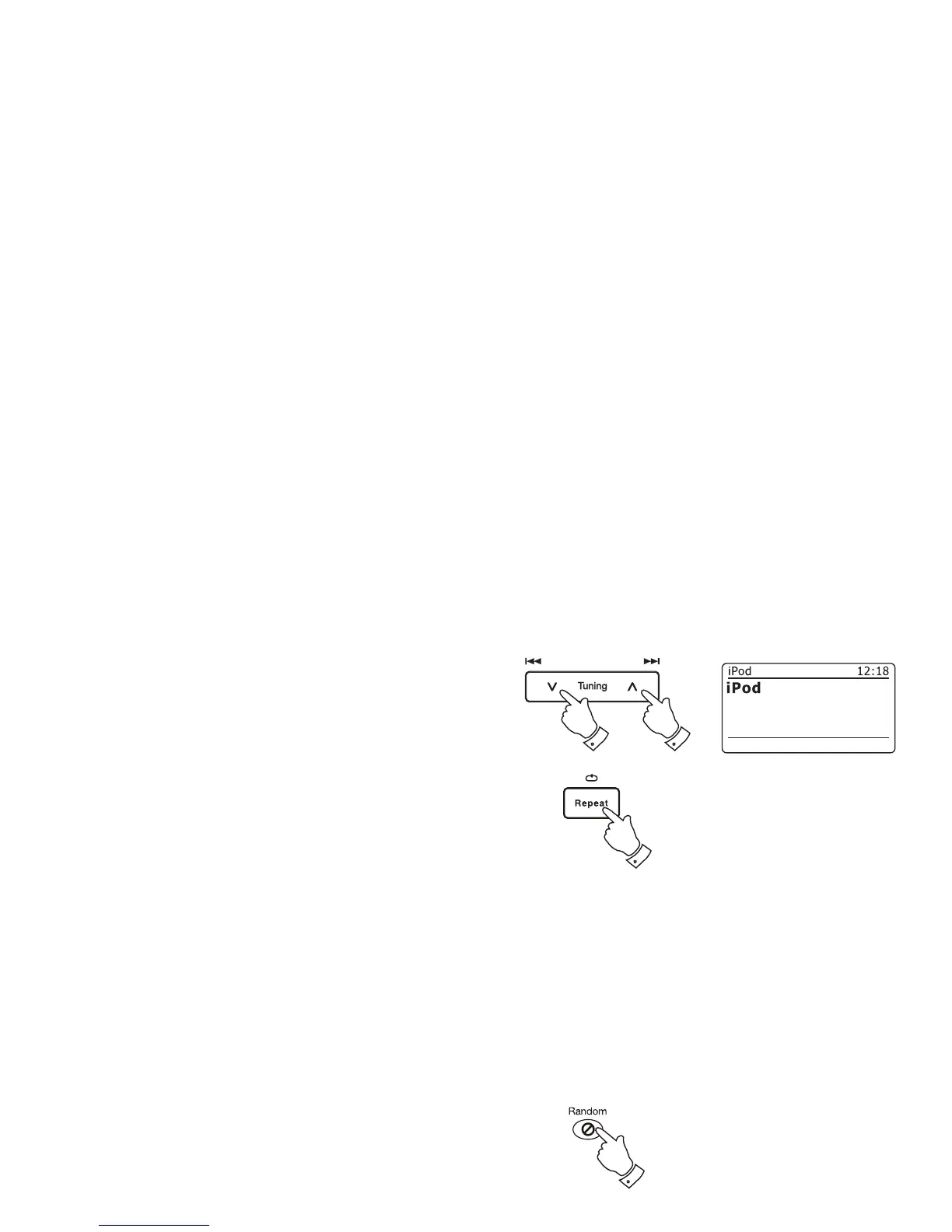
1. While the iPod is playing, press and hold the Fast-forward or Rewind
buttons.
2. Release the button when the desired part of the item is reached.
Repeat a single fi le
1. While the iPod is playing, press the Repeat button until the repeat
single fi le symbol appears in the iPod display. The currently playing
item will be repeated.
Repeat all
2. While the iPod is playing, press the Repeat button until the repeat all
fi les symbol appears in the iPod display. All fi les in the current album
or playlist will be repeated.
Repeat cancel
3. While the iPod is playing, press the Repeat button until the repeat
symbol is removed from the iPod display. Remaining fi les in the current
album or playlist will be played.
Shuffl e
4. While the iPod is playing, press the Random button to control the
shuffl e symbol in the iPod display. The tracks in the current album or
playlist will be shuffl ed when shuffl e is enabled.
1
1
1-3
4














 To Next Page