12
Selecting a track
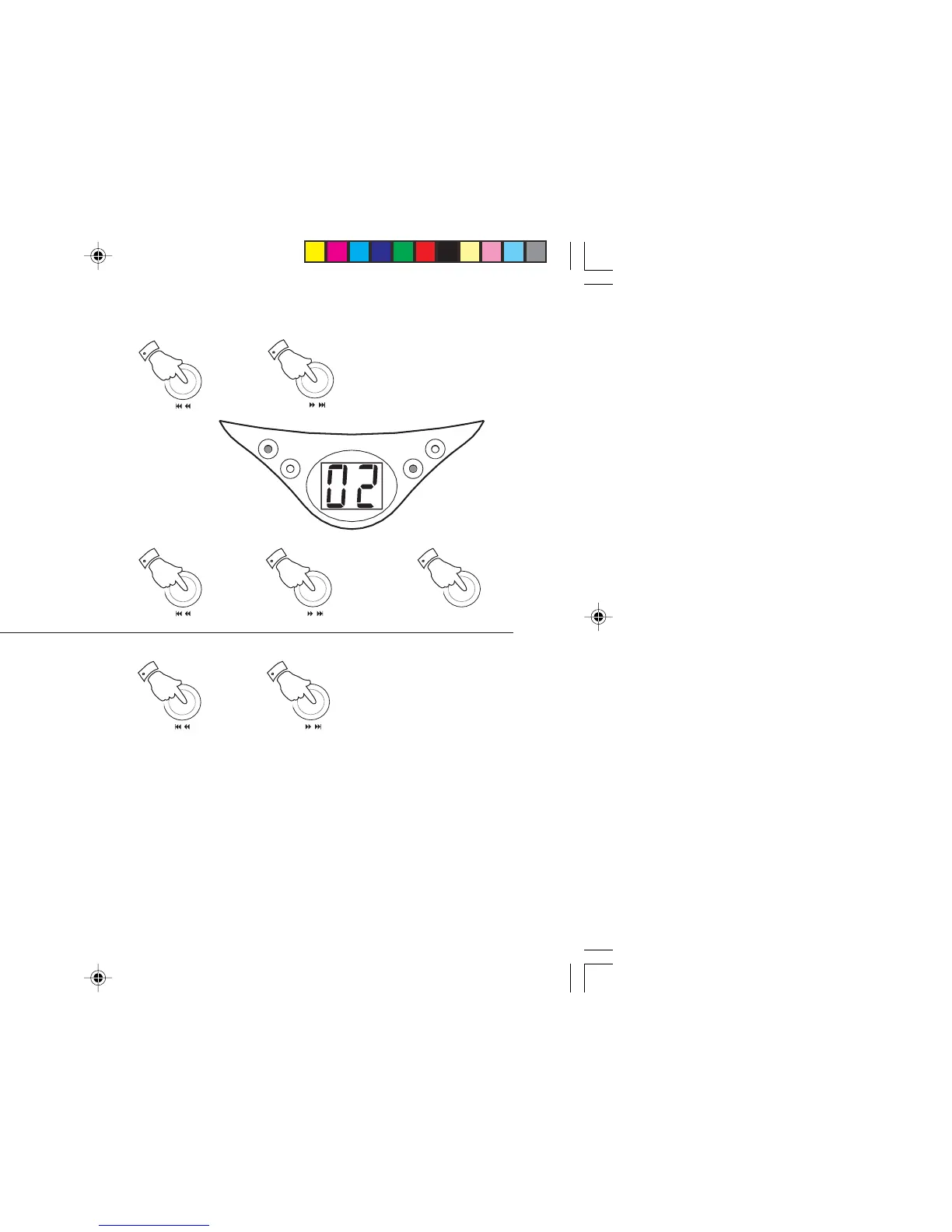
1. Whilst the CD is playing, press either the
F.skip
or
B.skip
buttons
to change to the desired track, the track number appears in the
display.
2. You can also skip tracks when the player is in stop mode. Skip to
the desired track using the
F.skip
or
B.skip
buttons.
Press and
hold the button to make the track numbers cycle, release the button
when the desired track number is displayed.
3. Press the
Play/Pause button
to play the selected track.
PLAY/PAUSE
POWER
REPEAT
PROGRAM
/
1
/
1
/
2
/
2
PLAY/PAUSE
3
Search function
1. Whilst the CD is playing, press and hold down either the
F.skip
or
B.skip
buttons
.
2. Release the button when the desired part of the track is reached.
/
1
/
1
CD9959_INSTRUCTION_BOOK.pmd 11/25/2003, 12:07 PM12


 To Next Page