16
Checking a programme
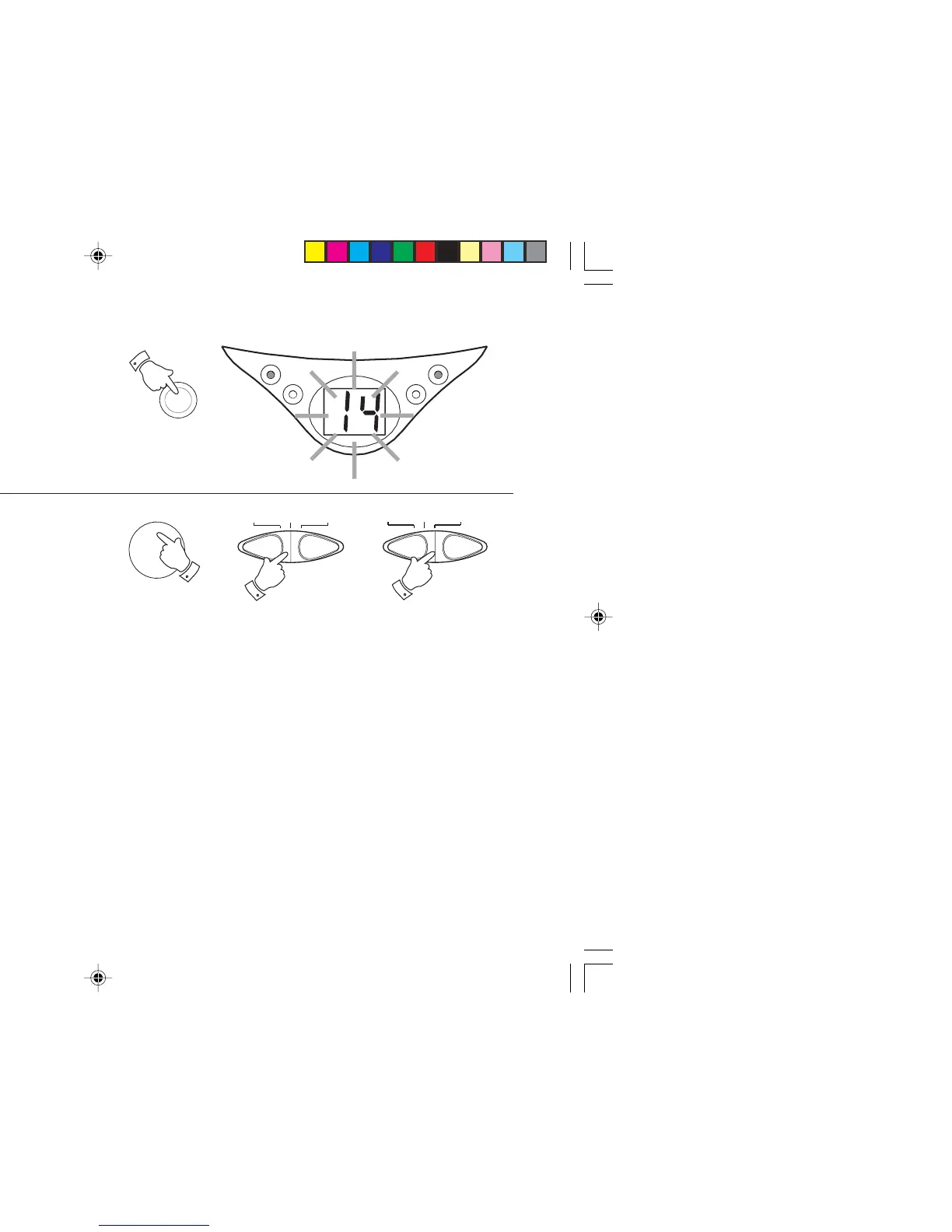
1. Whilst the CD is in Stop mode, repeatedly press the
Program
button
to step through the tracks programmed. The Display will
flash each programmed track number in sequence.
2. Resume play by pressing the
Play/Pause button
.
Erasing a programme
1. Whilst the CD is in Stop mode, open the
CD door
to erase the
programme. Programmes are also erased by changing position of
the
Function switch
to the "Off" or "Radio" position.
PROGRAM
1
RADIOOFFCD
1


 To Next Page