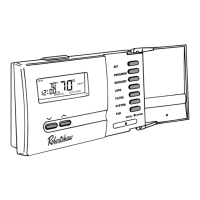
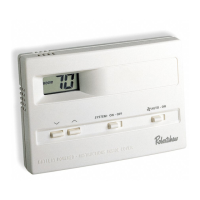
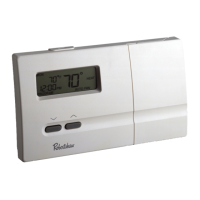
7. Put the -ON-AUTO switch into the ON
position. The blower fan should turn on.
The display will show a and ON.
8. Put the -ON-AUTO switch into the AUTO
position. The blower fan should turn off.
Step 4: Customizing the Thermostat
◆ Settings
System
Cool: The thermostat controls the cooling.
Off: The heating and cooling systems are off.
Heat: The thermostat controls the heat.
Fan
Auto: Equipment controls the fan.
On: The fan operates continuously.
Temperature
Heating: The default temperature for heating is 70°F (21°C). To
change the default setpoint, put the system switch in HEAT and
press the or
button to adjust the temperature setting up or
down. The display will show SET. The display will return to the
current room temperature three seconds after the last input and
the new setpoint will be saved.
Cooling: The default temperature for cooling is 78°F (25°C). To
change the default setpoint, put the system switch in COOL and
press the or
button to adjust the temperature setting up or
down. The display will show SET. The display will return to the
current room temperature three seconds after the last input and
the new setpoint will be saved.
8


 To Next Page
 Loading...