42 43
Enabling child protection
Child protection prevents accidental use of the mower by little
children. When child protection is enabled, the mower will require a
special combination to start a mowing operation or to go back to its
base.
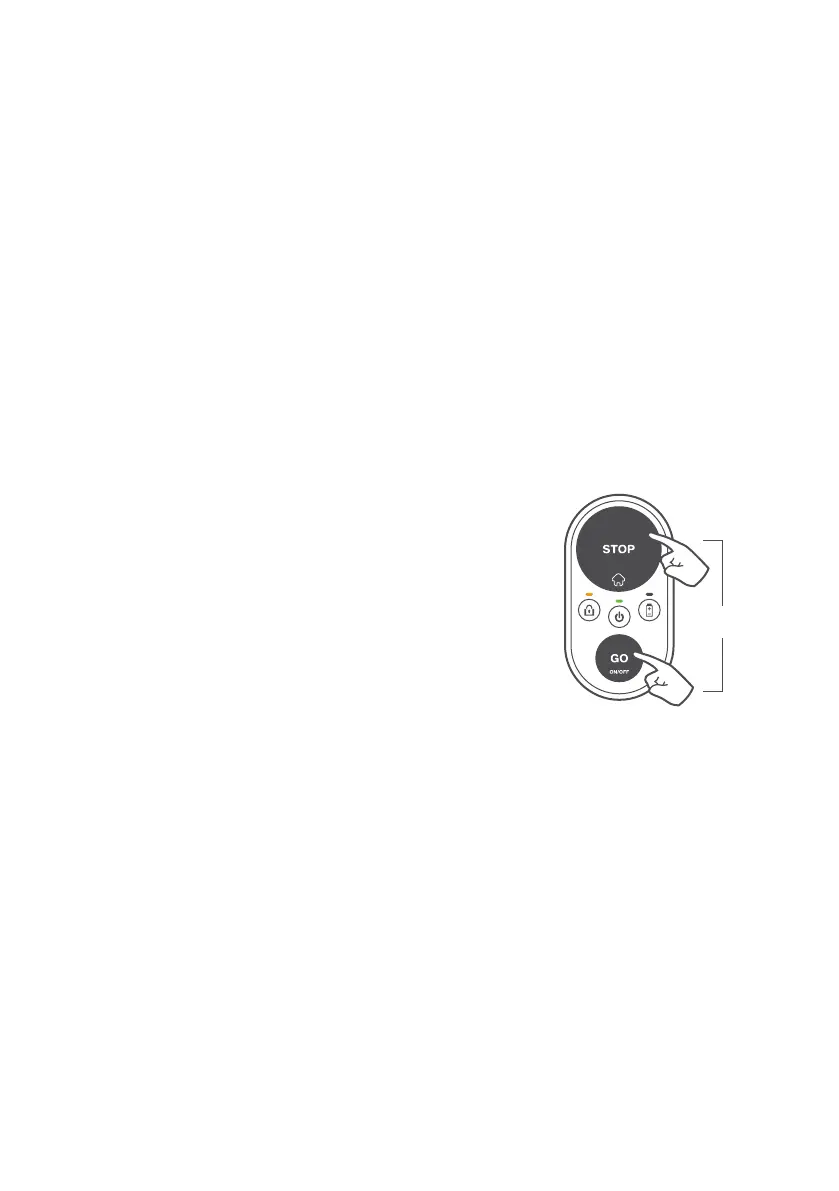
To enable child protection, press and hold the
GO + STOP buttons together for 6 seconds.
If you wish to disable child protection, press
and hold the GO + STOP buttons together for 6
seconds again.
Alternatively, child protection can be enabled
or disabled conveniently via the mobile app (not
applicable to models for lawns under 200 m
2
/
2150 ft
2
).
6 seconds


 To Next Page