6
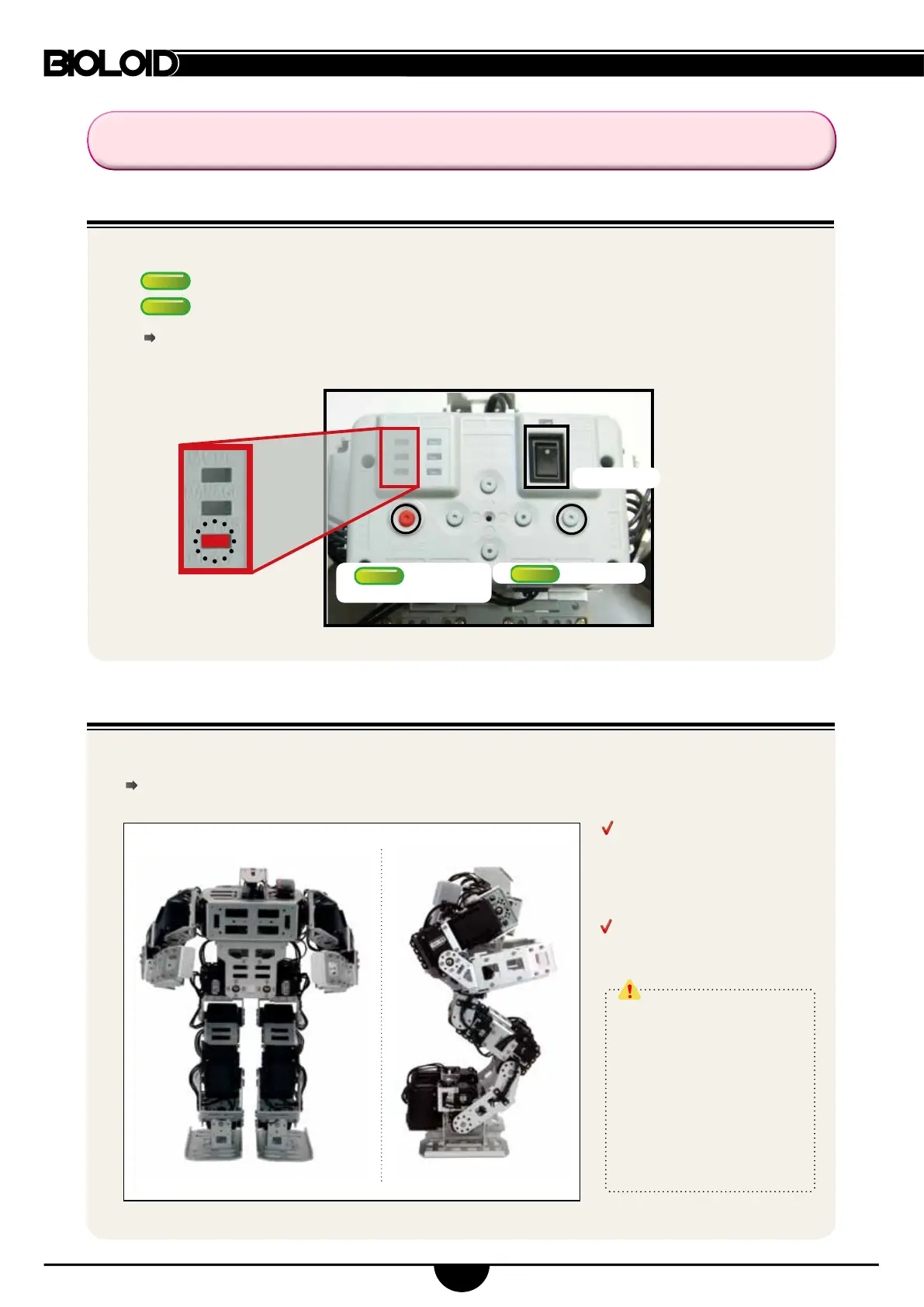
(2) Check the robot’s basic posture (this check veries proper assembly)
(1) Turning the robot on
The robot assumes the position illustrated in the picture below when turned on.
If the robot does not assume the posture below please refer to page 10.
3. Robot Action
②
Press MODE
to select PLAY
③
press START
①
Power ON
If the LED does not turn on check the power cable or connection.
Ensure the battery pack is properly charged (refer to p.8 (4) fo9r more information)
Check the angles the arms
and legs.
If different from the illustration
go to page 8.
Check if the cables are connected
on the robot’s outer legs.
If the robot has been assembled
in a way that can be damaged
the system activates a warning
sound.
The LED of motor(s) with
problems will also blink.
When it happens the releases
its torque to zero to prevent
further damage.
①
Turn the power switch on and the LED will start blinking.
②
Press MODE until the PLAY LED starts blinking.
③
Press START (ensure PLAY’s LED is blinking).
START
6



 To Next Page