7
(3) Robot Action
U
U
R
D
L
①
Hold the button for 2 seconds to power on.
②
The following buttons control the robot.
③
Walking(soccer/combat)
: Forward
U
WER/MODE
buttons are as follows.
Soccer Mode
Combat Mode
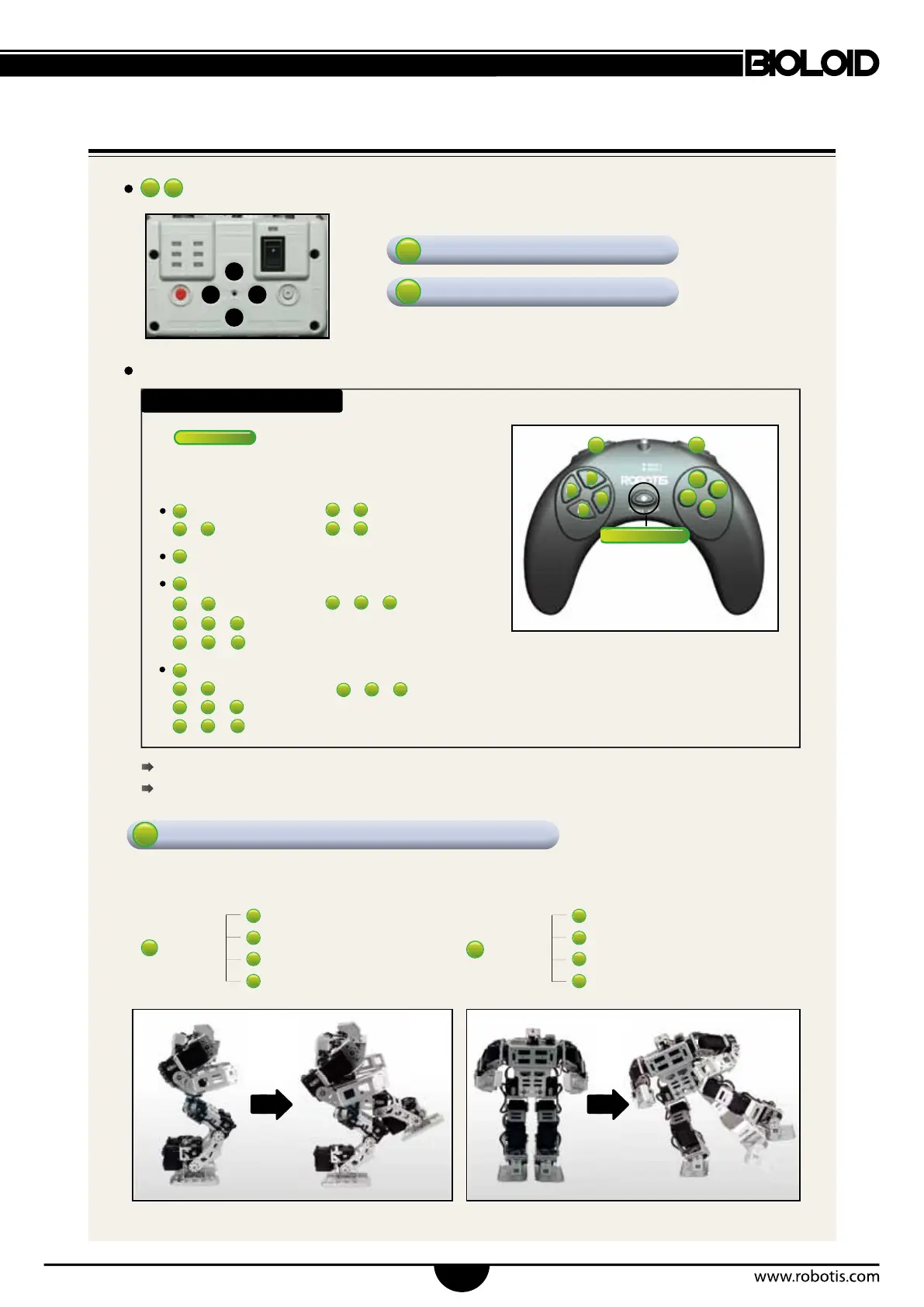
RC-100 Operations
For more information and tutorials refer to the homepage.
If the robot does not respond to remote commands please refer to page 10.
+
: Forward left
+
: Forward right
U
+
6
: Fast Forward
: Backwards
D
: Left turn
+
: Left sidestep
+
:
Fast left sidestep
+
+
+
:
Left frontal diagonal step
+
+
:
Left dorsal diagonal step
: Right turn
+
:
Right sidestep
+
:
Fast right sidestep
+
R
+
5
+
:
Right frontal diagonal step
+
+
:
Right dorsal diagonal step
Soccer mode
Walks by default and follows the buttons illustrated below.
The remote control (RC-100) controls the robot.
: forward kick
: backwards kick
: left kick
: right kick
L leg
+
: forward kick
: backwards kick
: left kick
: right kick
R leg
+



 To Next Page