8
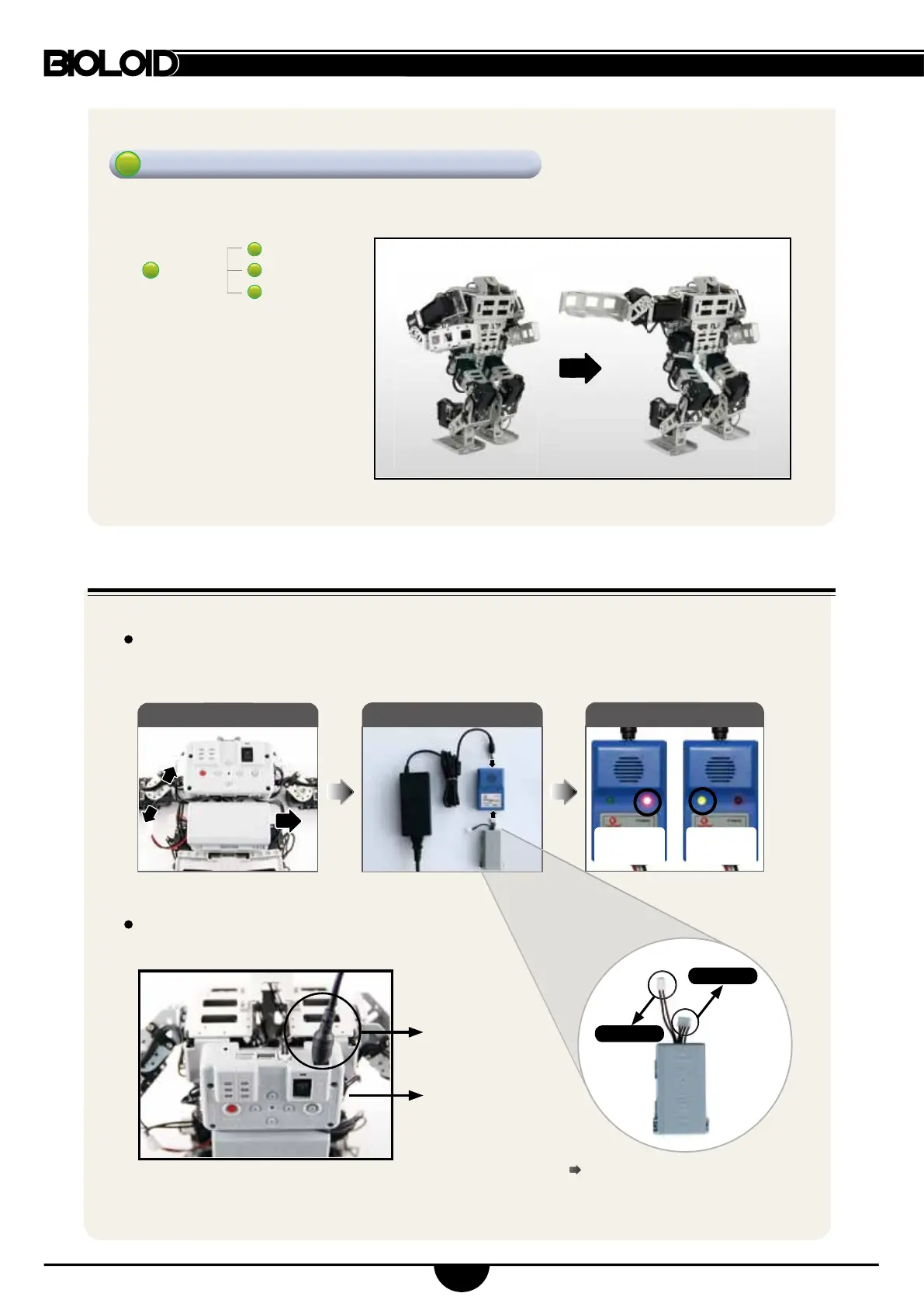
(4) Charging
CM-510
SMPS
Connecting the SMPS directly provides
External power to the robot.
The charger and robot cables are
connected.
to charger
to charger
Walks by default and follows the buttons illustrated below.
Combat Mode
①
Remove battery pack
②
Connect to charger
③
Charge
During robot operation when the battery beeps charge the battery pack immediately.
The LED turns on red during charging; switches to green after completion.
SMPS
charger
charging
(red LED on)
complete
(green LED on)
: forward attack
: left attack
: right attack
knock
+
8



 To Next Page