(1)
Set Time
20
(2)
Setting the Time
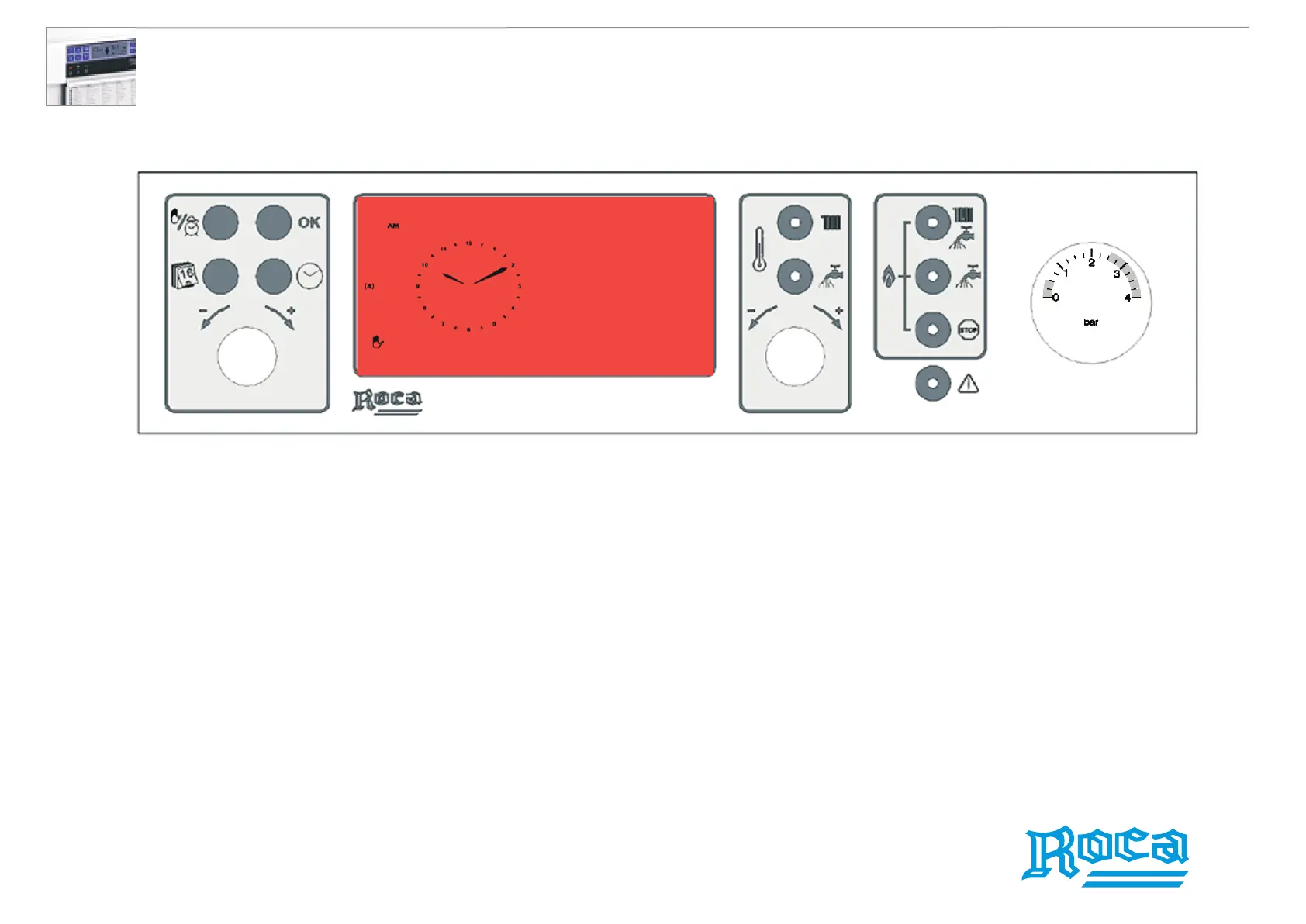
1. Press the Set Time button. The clock hands will flash on the LCD display.
2. Using the Set Day/Time Knob, set the desired time.
Setting the Day
1. Press the Set Time button. The day will flash.
2. Using the Set Day/Time Knob, set the desired day (1 for Monday, 2 for Tuesday, etc.)
3. To exit this mode, press the Set Time button again.
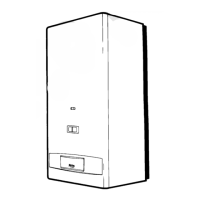
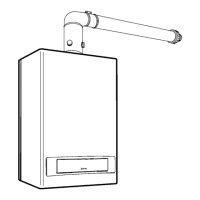
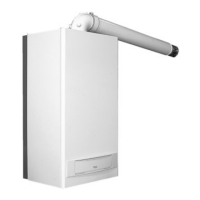
Laura 20/20F wall-hung waterheaters




 To Next Page