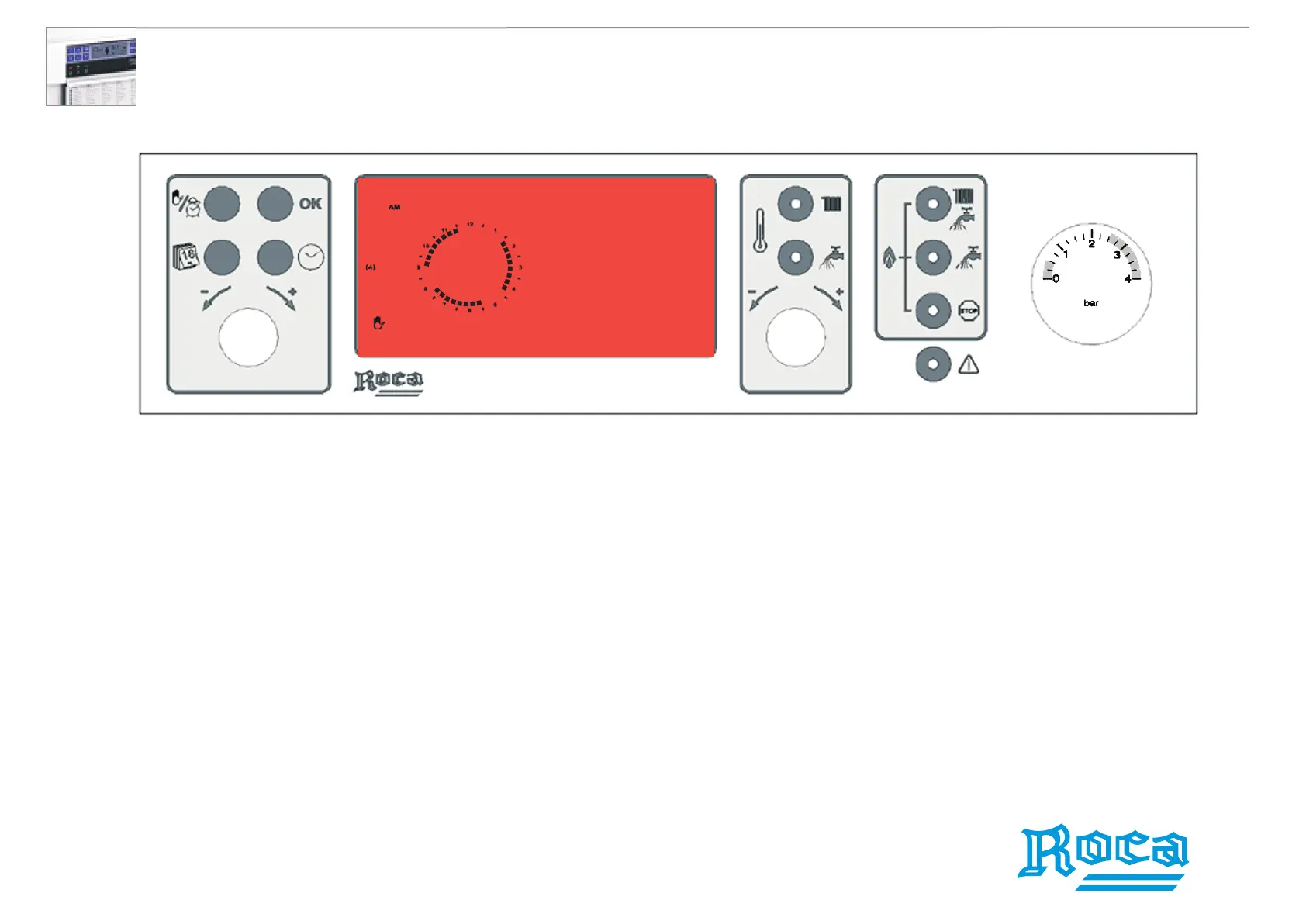
1. Using the Set Day/Time/Programmer Knob, move the sector to the time you wish
the second operating event to start.
2. You will notice that as you progress the sectors do not remain lit.
3. Press the Validate Program button to store the start of the second event and move
again the sectors using the Set Day/Time/Programmer Knob until the time you wish
the boiler to switch off for the second time. Press the Validate Program button.
4. Once the first day of the week has been scheduled, press the Set Day button;
and the rest of the days can now be programmed.
5. To exit this mode, press any button.
Setting the remaining operating events
Laura 20/20F wall-hung waterheaters





 To Next Page