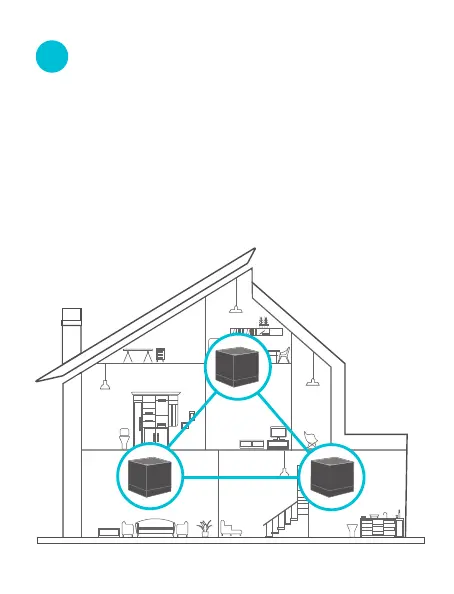
1. Place each node:
−
In an elevated, open position within the coverage area
of your existing RS WiFi network.
−
Keep your nodes away from electronics with strong
interference, such as microwave oven, induction cooker,
and refrigerator.
V
Connect the secondary nodes
to the Internet on RS APP



 To Next Page