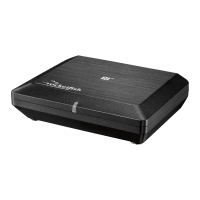
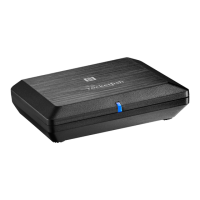
9RF-RBREC
• Compatible with all Rocketboost products
• Easy to use - Easy to set up
• Two stereo channels with 42 W per channel, capable of driving any
non-powered speaker.
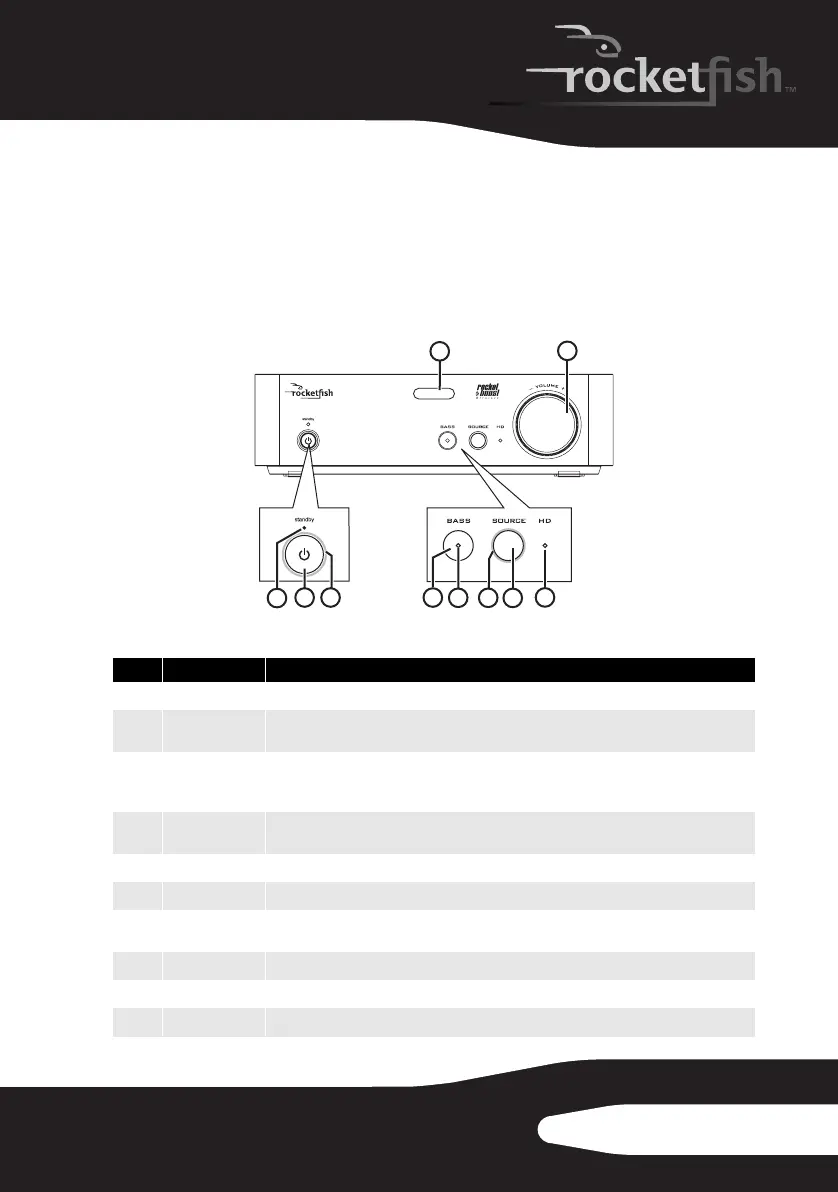
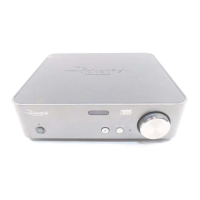
Front panel
# Feature Description
1
Standby indicator Turns red when the wireless receiver is in standby mode.
2
Power/Pair
button
Press to turn the wireless receiver on. Press and hold to initiate pairing. Press again to go
to standby mode.
3
Power/Pair
indicator
The indicator will turn solid when it is paired in a network, if the device is not in a
network, the indicator blinks slowly. When the device is put in pairing mode, the
indicator blinks rapidly.
4
BASS button Toggles bass enhancement on or off. Bass enhancement increases the bass frequency
output of the system.
5
Bass indicator Lights when the bass enhancement is activated.
6
SOURCE indicator Lights when the wireless receiver is connected to an audio stream.
7
SOURCE button Press to select different audio streams on your Rocketboost network. Each press moves
to the next source.
8
HD indicator Lights when the wireless receiver is receiving HD audio signals.
9
IR sensor window Receives the signal from the remote control.
10
VOLUME knob Controls the volume level.
TM
1
2
3
9
5
7
6
4
10
8
RF-RBREC_10-1328_MAN_V5.fm Page 9 Wednesday, November 9, 2011 8:40 AM


 To Next Page