EasyManua.ls Logo

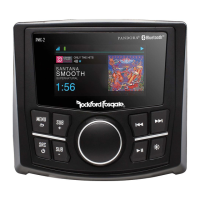
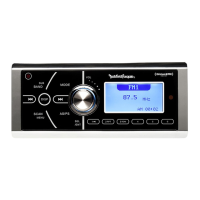
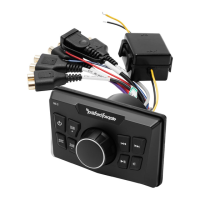
Rockford Fosgate PMX-0 - User Manual

Rockford Fosgate PMX-0
16 pages
Go to English
Print Icon
To Next Page IconTo Next Page
Loading...
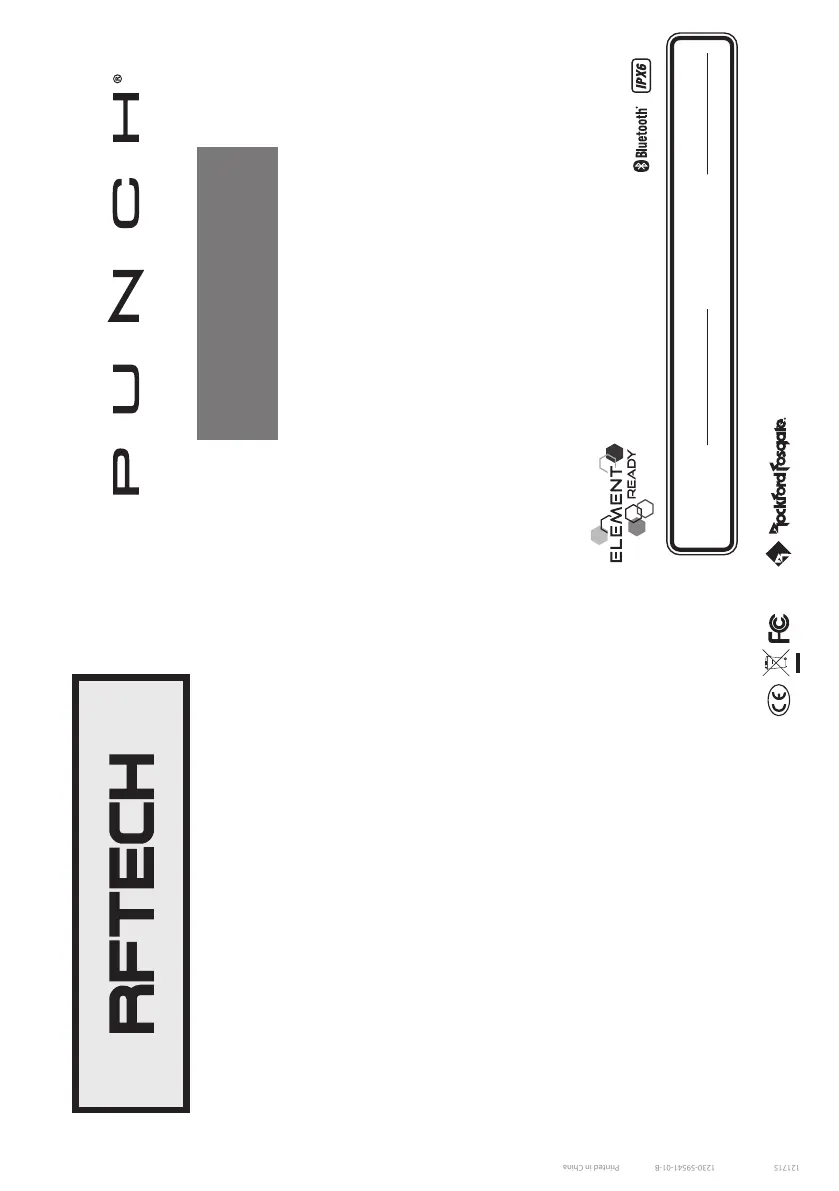
Installation & Operation
PMX-0
DIGITAL MEDIA
RECEIVER
Serial Number: Date of Purchase:
Installation assistance available at:
www.rockfordfosgate.com/rftech
ROCKFORDFOSGATE.COM
600 South Rockford Drive • Tempe, Arizona 85281 United States
Direct: (480) 967-3565 • Toll Free: (800) 669-9899
Printed in China
121715
1230-59541-01-B

Questions and Answers

  • D
    dianasmithJul 27, 2025
    Why my Rockford Fosgate Receiver does not turn on?
    • J
      Joshua DavisJul 27, 2025
      If your Rockford Fosgate Receiver doesn't turn on, start by checking the unit's fuse and replace it with the correct rating if it's blown. Also, verify that the vehicle's ignition is on, as the unit is designed to not operate when the ignition is off. Ensure the red wire receives voltage between 10.5 and 16 volts by checking the battery, connections, and fuses, repairing or replacing them as needed. If the voltage exceeds +16 volts, have the electrical system inspected. Finally, confirm the unit is properly grounded by inspecting the wiring and making any necessary repairs.
  • J
    Juan CooperAug 4, 2025
    What to do if USB device cannot be inserted into Rockford Fosgate Receiver?
    • C
      Charles GoodmanAug 4, 2025
      If you are unable to insert the USB device into your Rockford Fosgate Receiver, ensure that you are inserting the USB device in the correct direction. If the issue persists, the USB device connector may be broken and needs replacement.
  • S
    Scott NicholsAug 10, 2025
    How to fix USB device that will not charge on Rockford Fosgate Receiver?
    • B
      brian06Aug 11, 2025
      If your USB device isn't charging when connected to your Rockford Fosgate Receiver, the extension cable might not be properly plugged in or could be faulty. Inspect the extension cable to ensure it's correctly connected. If it's damaged, replace it.
  • R
    ruizdouglasAug 19, 2025
    What to do if there is no audio in MP3 mode on Rockford Fosgate Receiver?
    • C
      Christina JordanAug 19, 2025
      If you're experiencing no audio in MP3 mode on your Rockford Fosgate Receiver, the extension cable may not be plugged in properly or could be defective. Check the extension cable to ensure it is properly connected, and replace it if necessary.

Summary

Introduction

Practice Safe Sound

Warning about prolonged exposure to high sound pressure levels potentially causing hearing loss.

Safety Warnings

Alerts user to the presence of important instructions indicated by specific symbols for injury or damage prevention.

FCC Compliance Statement

Details FCC rules compliance for digital devices and potential radio frequency interference.

Specifications and Wiring Diagram

Design Features

Control Panel Overview

Identifies and describes the function of all buttons and the rotary encoder on the unit's front panel.

Mounting Instructions

Step-by-step guide for physically installing the source unit into a panel or surface.

Installation and Operation

Installation Considerations

Provides essential tools and advice for a safe and effective installation of the audio source unit.

Basic Operation Guide

Explains fundamental functions like turning the unit on/off, adjusting volume, and selecting audio sources.

Source Connectivity and Playback

Details how to connect and play audio via USB, AUX input, and Bluetooth devices.

Troubleshooting

Basic Unit Troubleshooting

Addresses common issues like the source unit not turning on, checking fuses, and voltage requirements.

USB Device Troubleshooting

Provides solutions for problems such as the USB device not being recognized or not charging.

AUX Connection Troubleshooting

Offers guidance for resolving issues related to audio playback through the AUX input.

Warranty Information

Warranty Terms and Coverage

Outlines the length, scope, and limitations of the product's limited warranty.

Obtaining Service and Support

Explains the process for getting repair or replacement service under warranty, including contact information.

Rockford Fosgate PMX-0 Specifications

General IconGeneral
BrandRockford Fosgate
ModelPMX-0
CategoryReceiver
LanguageEnglish

Related product manuals