!
The estimated charging time to fully charge the device is 7 to 8 hours from completely discharged.
The device can be used whilst charging, however, the charging cycle will complete more quickly if the
device is deactivated. The device can be used with a partially charged battery.
!
NOTE: If left plugged in, the battery will automatically cycle between around 90% and 100%. This is in order
to protect the health of the Lithium Ion battery inside, and maintain the life of the devices.
!
Your device is now ready for use. You can turn it on by pressing and holding the OK button for 5
seconds.
!
Sending a basic alert
!
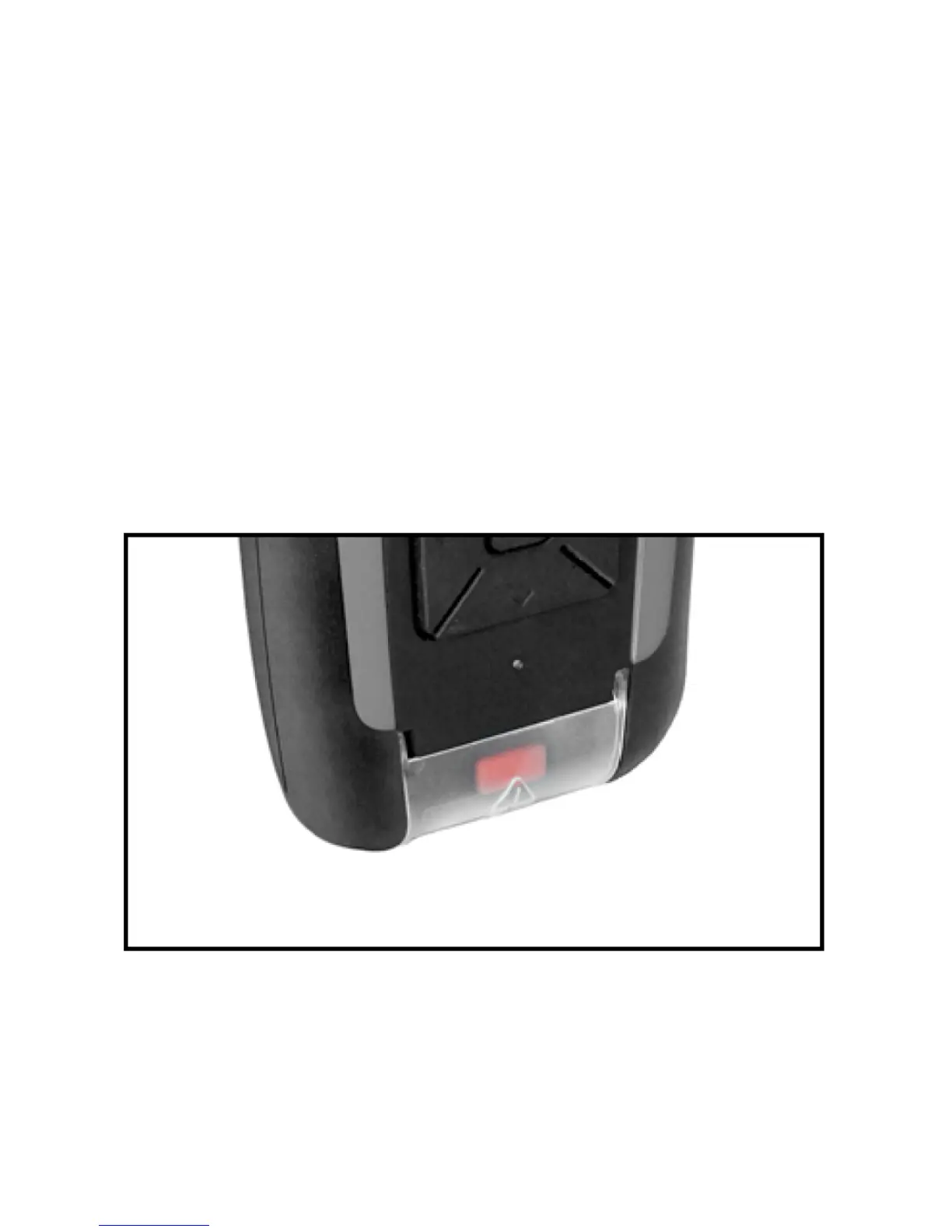
The alert button is located under the flap at the bottom of the unit. To trigger an alert, lift the flap and
hold down the alert button for 5 seconds. The screen will display ‘Sending Alert’ and the device will
try to transmit an alert message.
!
If you are in an alert situation, ensure that you give your alert the best possible chance of sending by
considering the orientation of the device. Ensure it has a good view of the sky, or as good a view as is
possible in your situation. The better the view of the sky, the more likely it is that your alert
will be received.
!
!



 To Next Page