EasyManua.ls Logo

Rockville TM Series - User Manual

Rockville TM Series
16 pages
Print Icon
To Next Page IconTo Next Page
Loading...
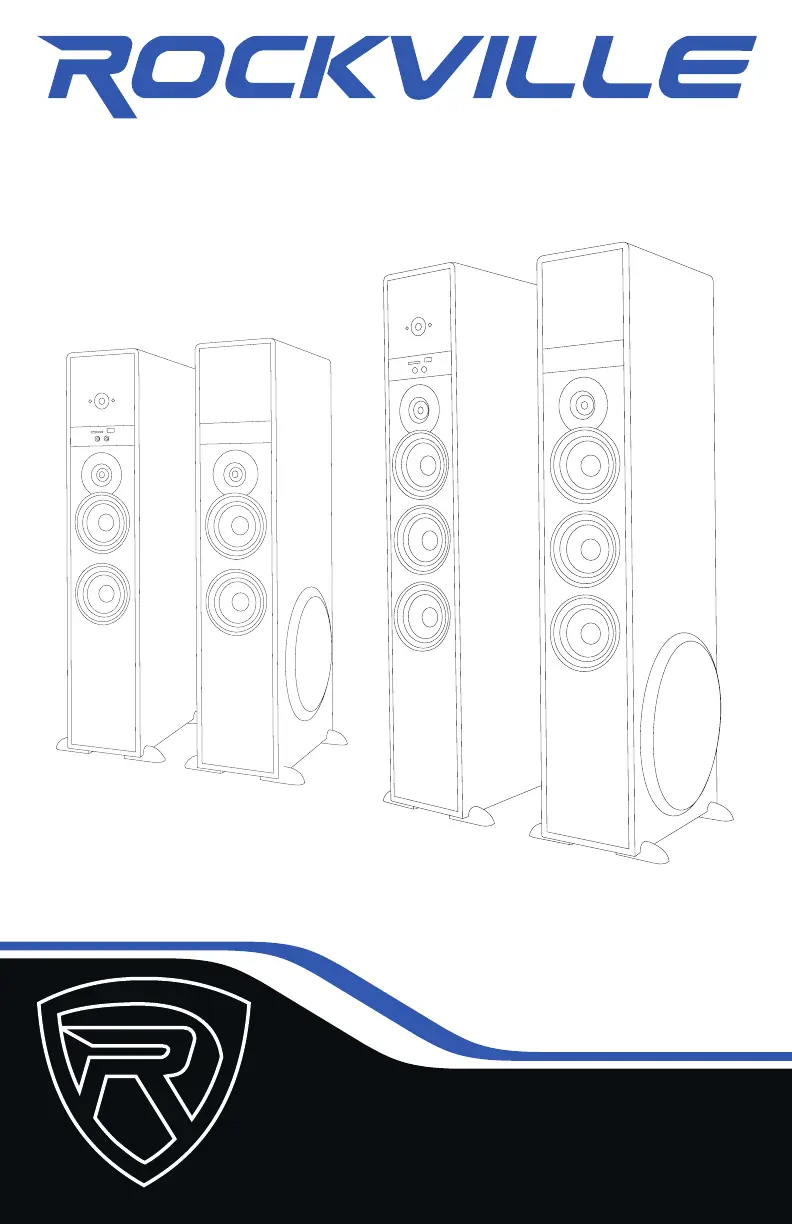
OWNER’S MANUAL
TM150
TM80
COMPLETE POWERED HOME THEATER
SPEAKER SYSTEM
TMTM
SERIESSERIES

Questions and Answers

  • S
    Suzanne PeckAug 3, 2025
    Why is there no sound or distorted sound from my Rockville Home Cinema speakers?
    • A
      Anna CruzAug 3, 2025
      If you are experiencing no sound or distorted sound with your Rockville Home Cinema speakers, verify that all cables are correctly plugged in. Check the volume settings on both the unit and the input source. Ensure you've selected external speakers in your TV's sound output settings and deactivated Dolby Pro-Logic, Dolby ATMOS, etc., selecting PCM in your TV's sound format settings. If using a microphone, confirm it is on and the proper source is selected. If the unit or source volume is maxed out, reduce one to avoid overdriving the unit.
  • C
    carterallisonAug 8, 2025
    How to fix Bluetooth pairing issues with Rockville TM Home Cinema speakers?
    • E
      emily27Aug 8, 2025
      If Bluetooth pairing fails on your Rockville Home Cinema speakers, ensure both devices are on and your Bluetooth device is discoverable. Try turning both devices off and on again. Confirm the proper source is selected. Keep the Bluetooth device within 5 feet of the unit during pairing and move both devices away from other electronics like microwaves and wireless routers. Also, verify the unit isn't paired with a previously connected device.
  • S
    samantha59Aug 13, 2025
    What to do if my Rockville Home Cinema speakers have no power?
    • G
      Gina HawkinsAug 13, 2025
      If your Rockville Home Cinema speakers have no power, first, ensure the unit is plugged in and the power switch is in the ON position. Next, check that the power cable is not damaged.
  • M
    Megan GuzmanAug 17, 2025
    How to stop mic feedback on Rockville TM Home Cinema speakers?
    • A
      Ashley Mccann MDAug 17, 2025
      To address mic feedback with your Rockville Home Cinema speakers, point the microphone away from the speaker. Also, make sure the microphone is positioned behind the speaker, not in front of it.
  • M
    Matthew HowardAug 23, 2025
    Why won't my Rockville Home Cinema speakers play SD or USB files?
    • M
      Mathew ClarkAug 23, 2025
      If your Rockville Home Cinema speakers aren't playing back from SD or USB, ensure you've selected the correct source. Also, verify that the audio files are in one of the specified formats: MP3, WMA, WAV, FLAC, APE, F1A, SBC, or AAC.
  • Y
    Yolanda ScottAug 28, 2025
    What causes poor mic sound quality on Rockville Home Cinema speakers?
    • C
      Charles CochranAug 28, 2025
      If you are experiencing poor mic sound with your Rockville Home Cinema speakers, ensure you are using a proper cable. Use TRS cables when connecting microphones to this unit.

Summary

Front Panel Controls

Power and Input Management

Controls for power, standby, and input selection on the master unit.

Audio Playback and Volume

Functions for volume adjustment, track navigation, and playback controls.

Media and Microphone Ports

Ports for SD card, USB drives, and microphone inputs on the front panel.

Rear Panel Connectors

Audio Input Ports

Various audio inputs including RCA, AUX, Optical, and Coaxial on the rear panel.

Output, Antenna, and Power

Audio output, FM antenna connection, and AC power input on the rear panel.

Remote Control and System Setup

Remote Control Functions Overview

Detailed functions of each button on the provided remote control.

Speaker System Setup Guide

Instructions for connecting the master speaker to the slave unit and power.

Audio Input and Connectivity Methods

Bluetooth Connectivity

Steps for pairing and playing audio wirelessly via Bluetooth.

USB and SD Card Playback

Instructions for playing music files from USB drives and SD cards.

RCA Input Usage

Connecting audio sources using RCA cables for playback.

Auxiliary Input Connection

Connecting devices via the 3.5mm auxiliary jack.

Optical and Coaxial Input

Connecting digital audio sources via optical or coaxial cables.

FM Radio Reception

Instructions for tuning and listening to FM radio stations.

Rockville TM Series Specifications

General IconGeneral
BrandRockville
ModelTM Series
CategoryHome Cinema speakers
LanguageEnglish

Related product manuals