4 Rockwell Automation Publication 2711R-IN001B-EN-P - September 2022
PanelView 800 HMI Terminals Installation Instructions
Catalog Number Explanation
About the Terminals
PanelView 800 terminals are operator interface devices for monitoring and controlling devices that are attached
to a controller. HMI applications are created using Connected Components Workbench™ software, then
downloaded to the terminal.
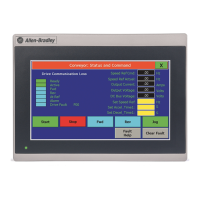
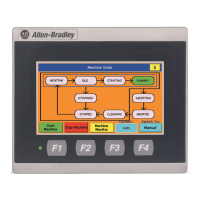
PanelView 800 Terminal – 2711R-T4T
Catalog Number Operator Input Size Display Type
2711R-T4T Touch screen and function keys 4 in.
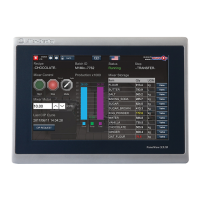
Color TFT2711R-T7T Touch screen 7 in.
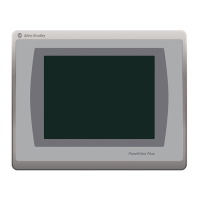
2711R-T10T Touch screen 10 in.
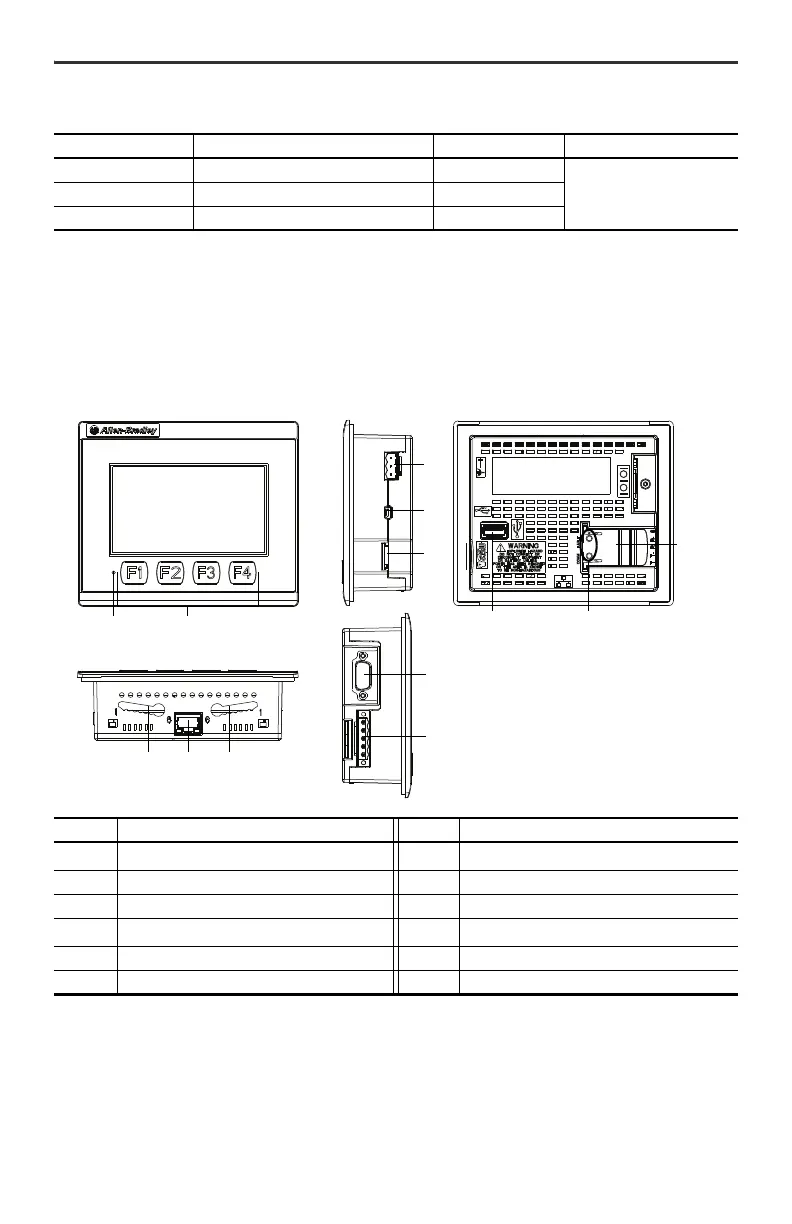
Item Description Item Description
1
Power status LED
(1)
(1) The Power Status LED is red when in screen saver or dimmer mode and green when in normal (operational) mode.
7 10/100 Mbit Ethernet port
2 Touch display, function keys 8 RS-232 port
3 24V DC power input 9 RS-422 and RS-485 port
4
USB device port
(2)
(2) The USB device port is not intended for Customer use.
10 USB host port
5 microSD™ (Secure Digital) card slot 11 Diagnostic status indicator
6 Mounting slots 12 Replaceable real-time clock battery


 To Next Page
 Loading...