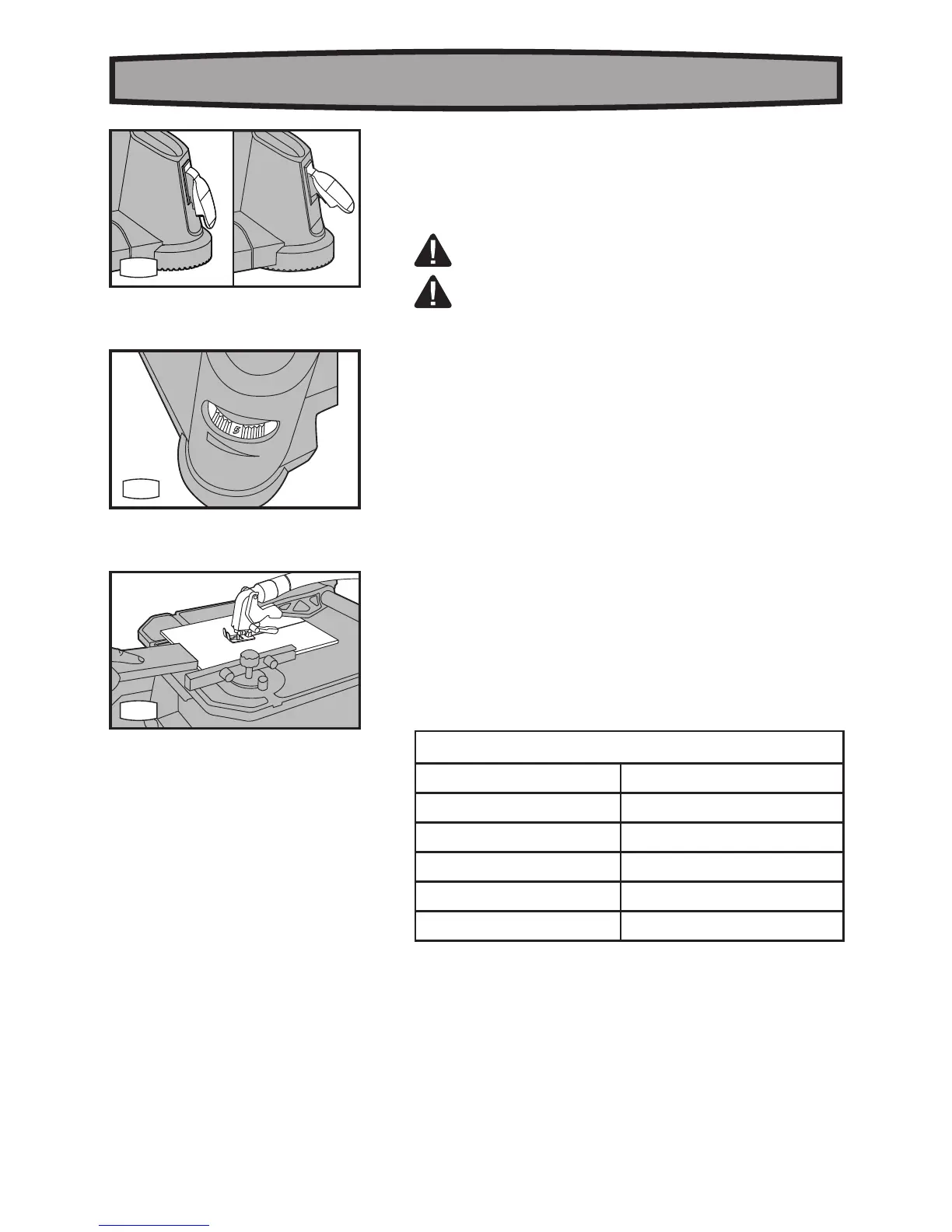
place. With the key removed, the switch will not operate.
The tool should be operated at the speed in accordance with
pertinent factors such as:
a) The dimensions and material of the work piece;
b) The size and type of the saw blade.
WARNING: Operating the saw according to the instruction,
never cut without the guard in place.
WARNING: When lifting or lowering the guard arm, as
indicated in figure A2, make sure to avoid putting your fingers
between the gaurd arm and the support arm.
1. ON/OFF SAFETY SWITCH (See Fig. H)
To turn the machine on, lift the switch to the “ON” position. To turn it
off, press the switch down to the “OFF” position.
TO “LOCK” THE MACHINE:
When the machine is not in use and to prevent unauthorized use, the
switch should be locked in the “OFF” position. To do this, pull the
yellow locking key out of the ON/OFF switch and store the key in a
secure place. With the key removed, the switch will not operate.
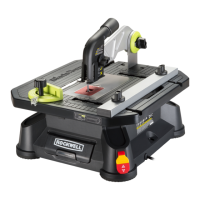
2. VARIABLE SPEED CONTROL (See Fig. I1)
The variable speed control is under the work table. Adjust the
variable speed control to increase or decrease the speed, 6 being
the highest and 1 being the lowest. Speed should be adjusted
according to material thickness and blade specification to be used.
Speed can be adjusted during both load or no load operation. See
Chart 1 for general guidance on speed selection.
NOTE: Avoid prolonged use at very low speed as this may
damage your BladeRunner’s motor.
Chart 1
Material Speed setting
Wood 5-6
Steel 3-4
Aluminum 4-6
PVC 3-4
Ceramic 3-5
TIPS: When you cut ceramic, please use a low feed rate at the end
of your cut. This will help decrease cracking at the end. We suggest
you use a wooden push stick to complete the cut in ceramic(See
Fig. I.2). Push in the middle of ceramic piece to support it.
Remember to use a vacuum to collect dust anytime tile is
being cut.
GENERAL CUTTING RULES.
a) ALWAYS allow the blade to reach operating speed before



 To Next Page