Rocstor Rocpro T24 [13]
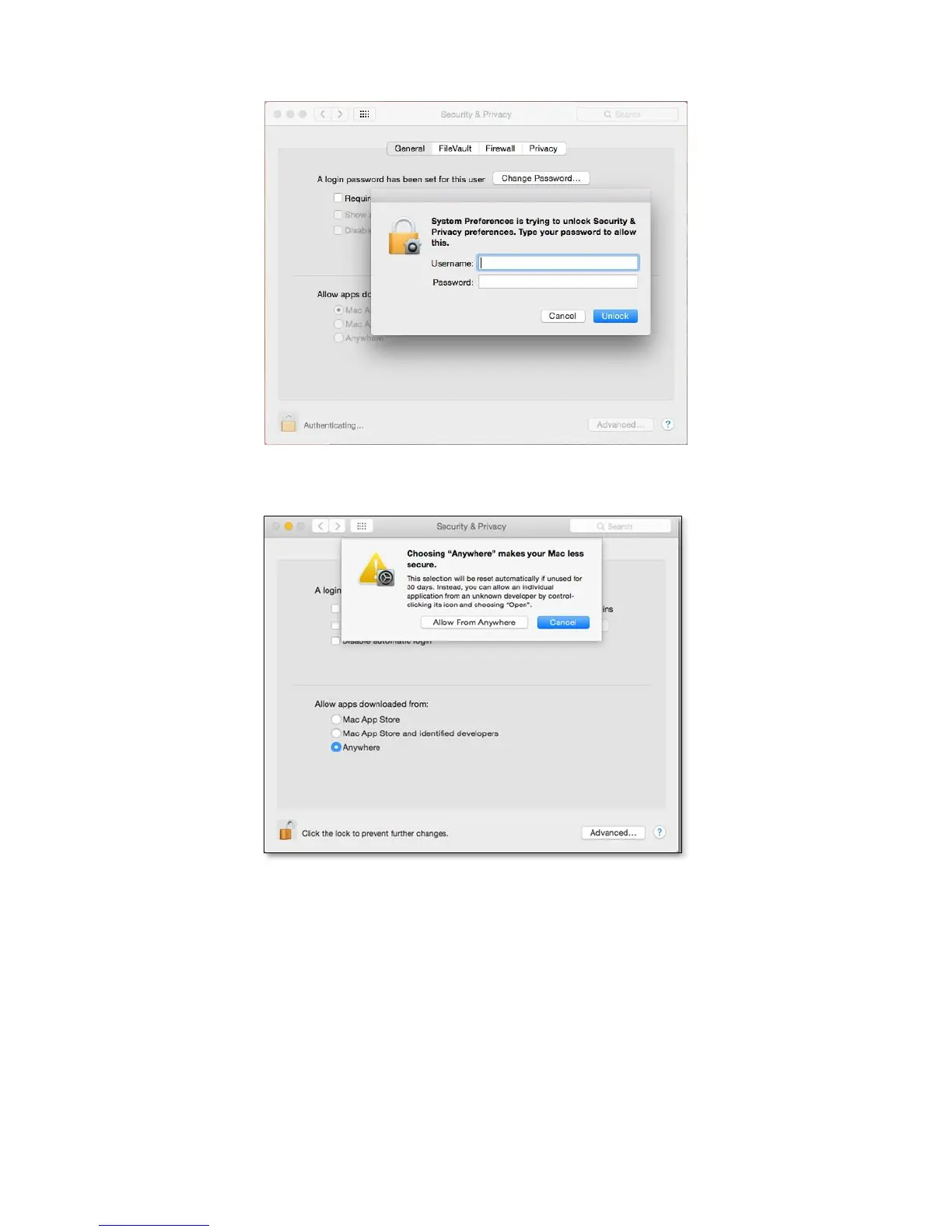
Step 3. Insert your “Username” & “Password” for the computer.
Step 4. Select “Allow from anywhere” for App downloads.
Step 5. Click on the lock icon from the bottom-left corner to lock settings.
Step 6. Run MSU application to proceed installation for “Introduction” > “License” > “Destination Select” >
“Installation Type” > “Installation” > “Summary”, and please click on “Continue” for “Introduction”.












 To Next Page