Rocstor Rocpro T24 [16]
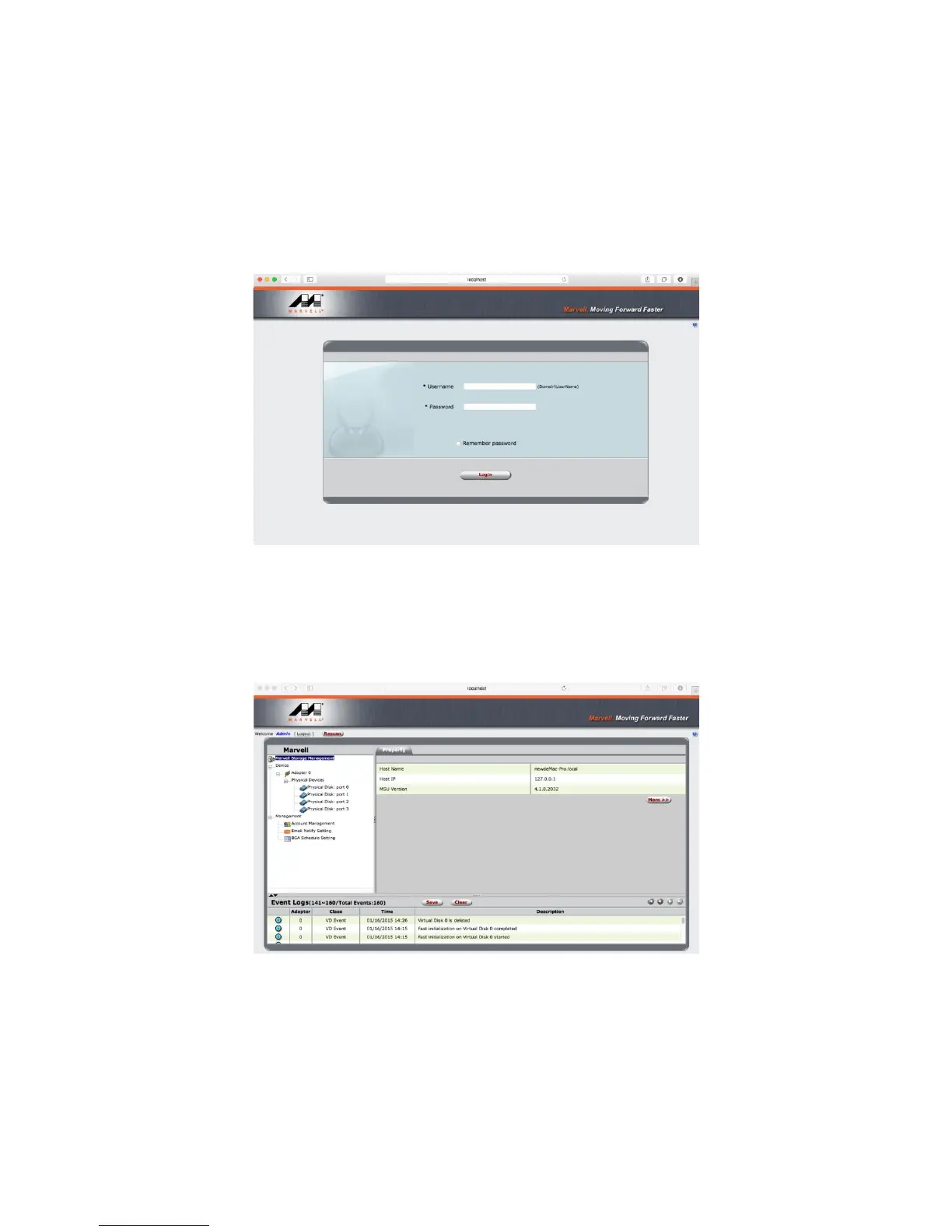
Step 12. Please launch the monitoring software after restarting the computer from software installation.
Operation of Monitoring Software
Before operating MSU, please verify ROCPRO T24 has already connected to the computer with HDD installed
and powered on. Please choose enterprise standard HDD for surveillance with identical brand and capacity.
Step 1. Insert your “Username” and “Password” for the computer.
Step 2. 3 setting options can be found on the left of managing window as for “Marvel Storage Management”,
“Device” and “Management”.
Marvel Storage Management: Host Name, IP address and MSU version. Device: RAID configurations and
information of installed HDD Management: Configurations of E-Mail notification for incidents.












 To Next Page