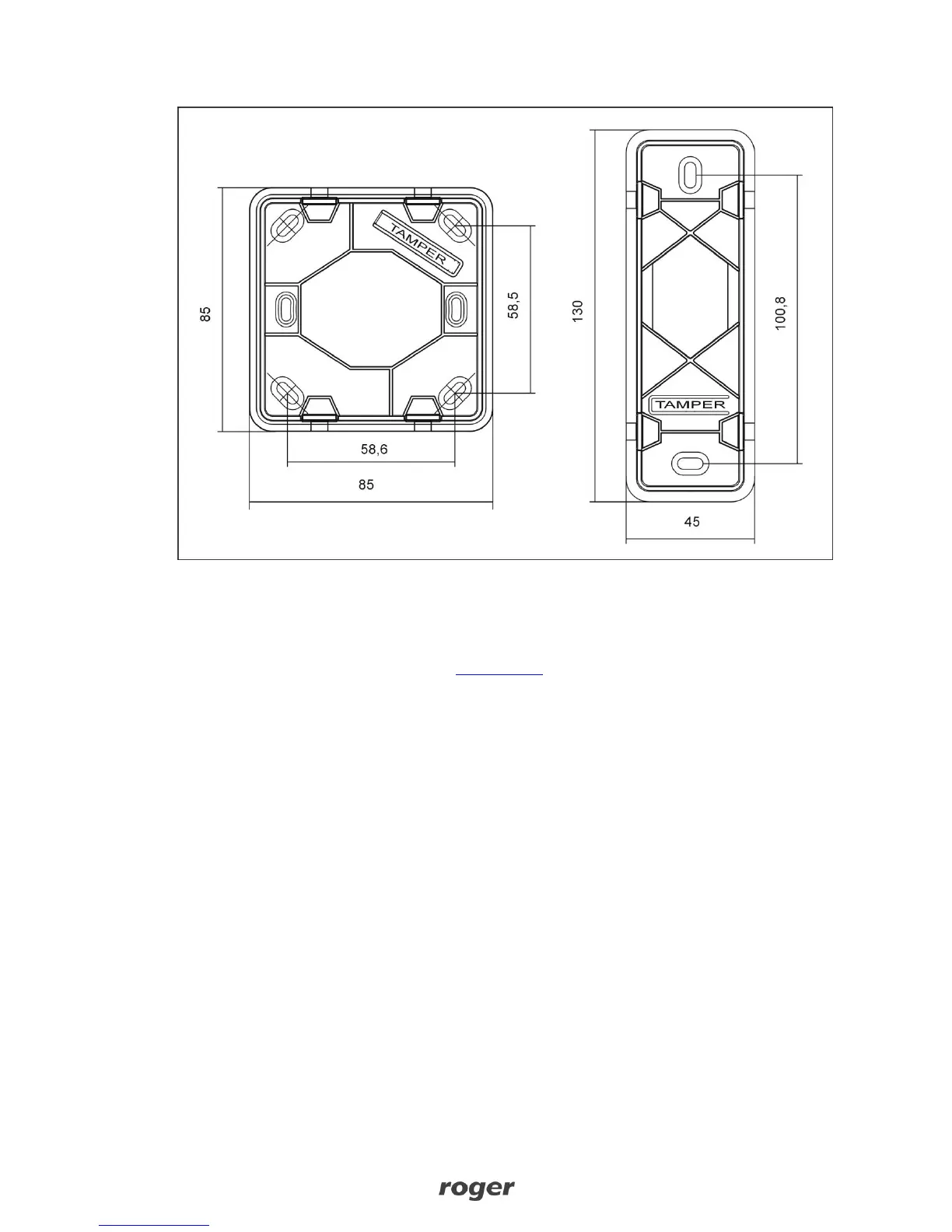
Fig. 9 Dimensions and tamper details
5. FIRMWARE UPDATE
Firmware can be updated by means of RogerVDM software and RUD-1 communication interface.
The file with latest firmware is available at www.roger.pl.
Firmware update procedure:
1. Connect reader to RUD-1 interface according to fig. 3.
2. Put jumper on FDM contacts (fig. 4).
3. Run RogerVDM application.
4. Choose
Tools -> Update Firmware
.
5. Select device type, communication port for RUD-1, and path to firmware file (*.hex).
6. Click
Update
and follow the instructions.



 To Next Page