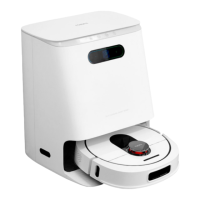
Base station display functions introduction
Prompt: For other faults, please check the color screen for specific faults.
10
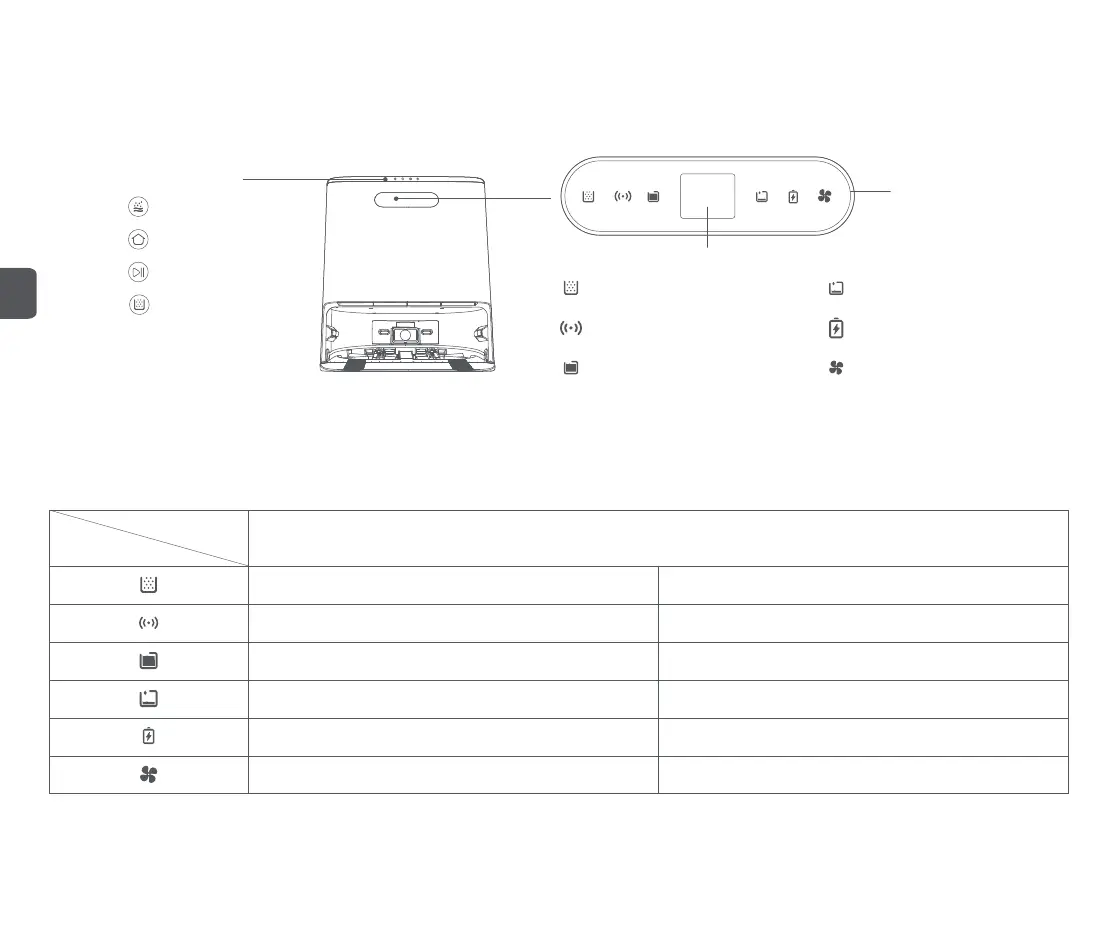
Base station status indicator
Automatic dust collection Clean water tank empty
Light strip
After the base station is connected to the power, the light strip is always on; when the dust is collected or in mop cleaning state, the light strip shows a gradient marquee light movement.
Robot cleaner battery statusNetwork connection status light
Color display screen
Dust collection normal indicator light is always on
Running status display
The connection is normal, the indicator light is always on
Dust full indicator flashes
The connection is abnormal, indicator light flashes
The waste water tank is full, indicator light is always on
There is water in the clean water tank, indicator light goes out The clean water tank empty, indicator light flashes
Normal battery , the battery indicator light is off Low battery , indicator light flashes
The air-drying function works normally, indicator light is always on The air-drying function is not activated, indicator light is off
Function buttons
Mop cleaning
Recall/issue (robot cleaner)
Start/Pause (base station)
Automatic dust collection
*Tip: Start by touching the button with your finger
Indicator light
State
The waste water tank is not full, indicator light goes out
Smart air-dryingWaste water tank full
EN


 To Next Page