11
1.6.1. Settings submenu
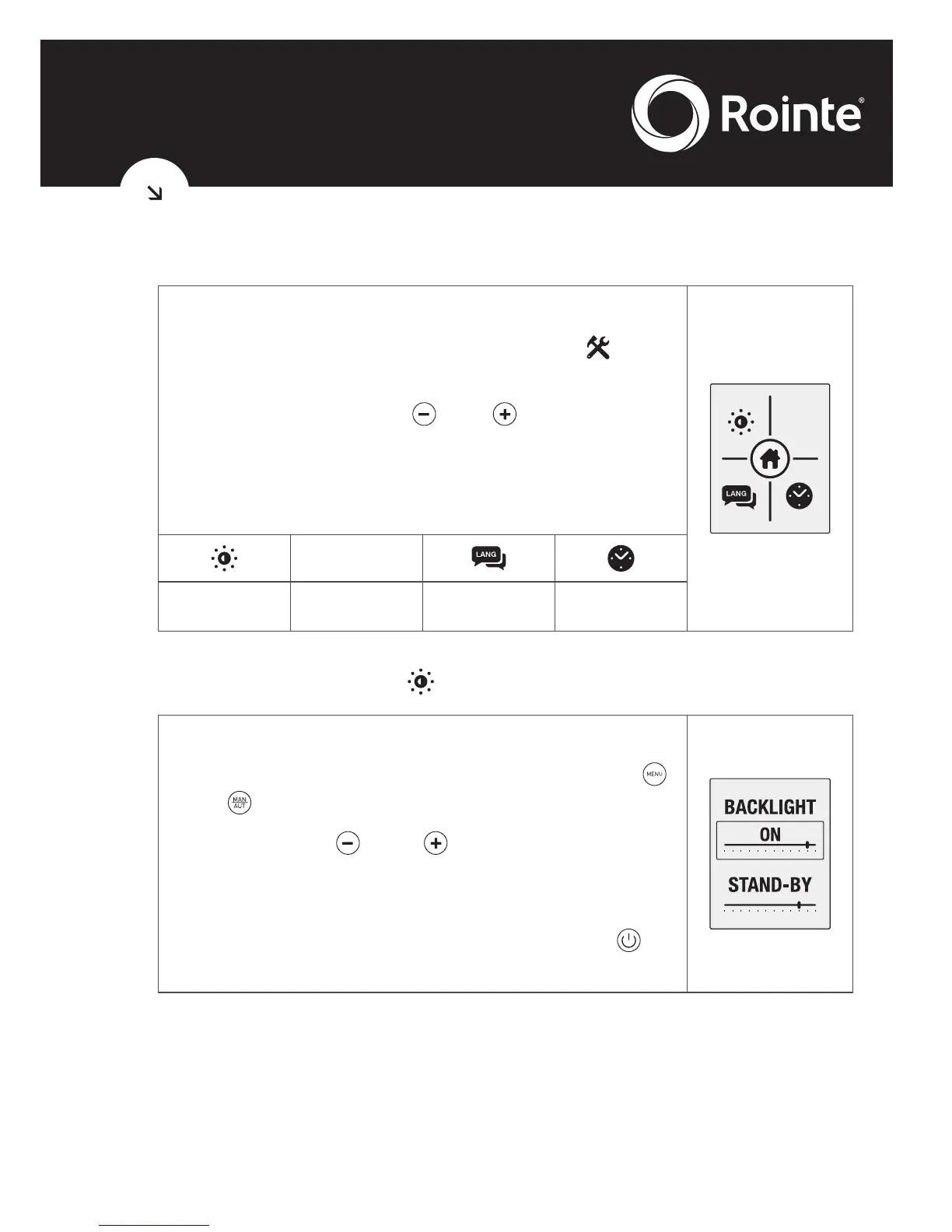
The submenu settings configure technical
parameters. To access, select the
icon
displayed in the main menu screen.
Pressing the buttons and , we can move
across the different options on the submenu.
The screen shown on the right appears. The
icons represent the following options:
Clear
Memory
Clear
Memory
Screen
backlight
Clear memory Language Set time
• Screen brightness
This allows you to change the brightness in the
STAND-BY and ON modes. With the keys
and we can switch between the two options.
With the keys and we can increase or
decrease the brightness.
The cursor indicates the intensity of the light.
Having set the required parameters press to
exit.





 To Next Page