7
1.2. Switching On & Off (stand-by)
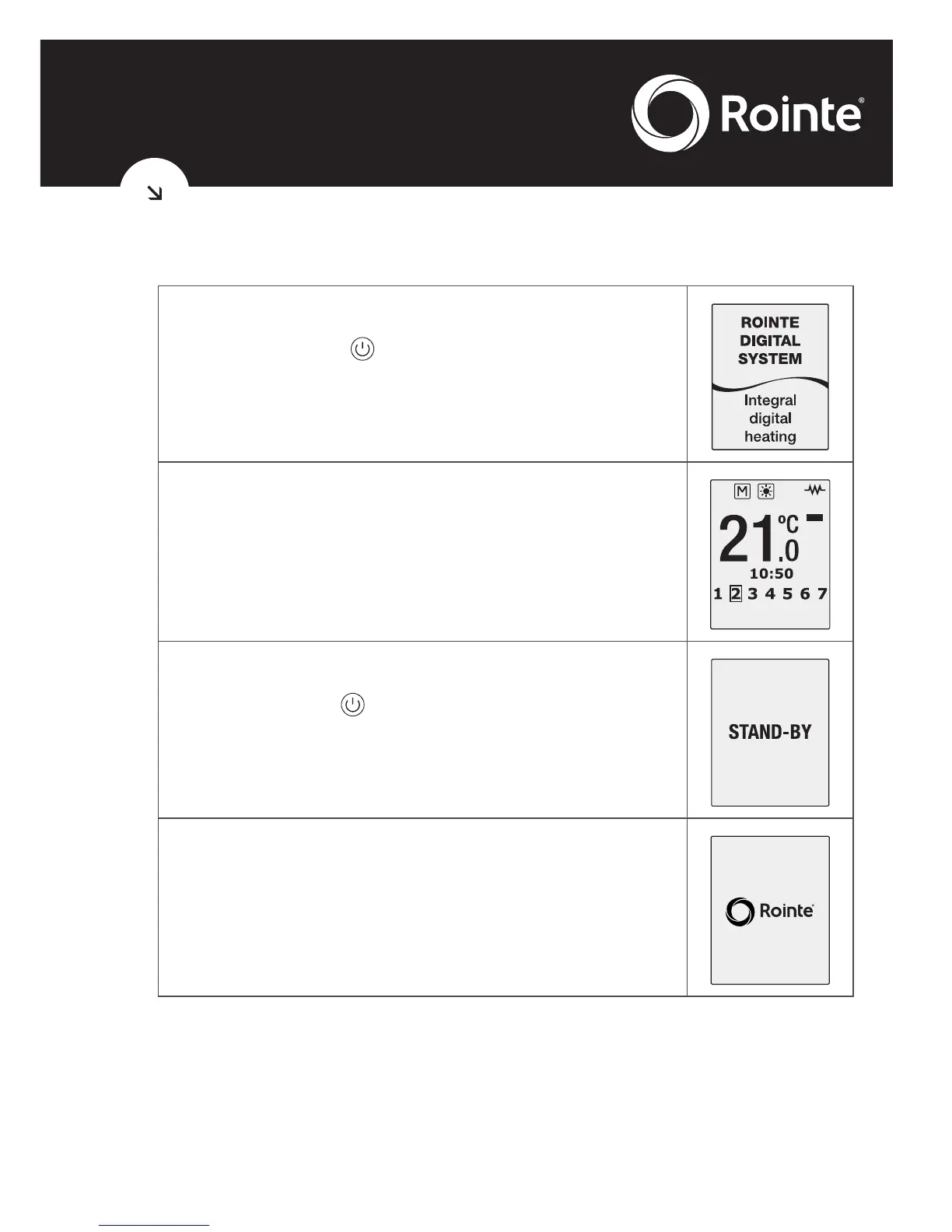
By pressing the key, you can switch the
radiator on. The following image will appear on
the screen when the radiator is switched on.
After 5 seconds, the temperature, time and
days of the week will be displayed on the main
screen.
By pushing the button again the radiator will
go into standby mode with the word ‘standby’
displayed.
After 5 seconds the Rointe logo will appear.





 To Next Page