9
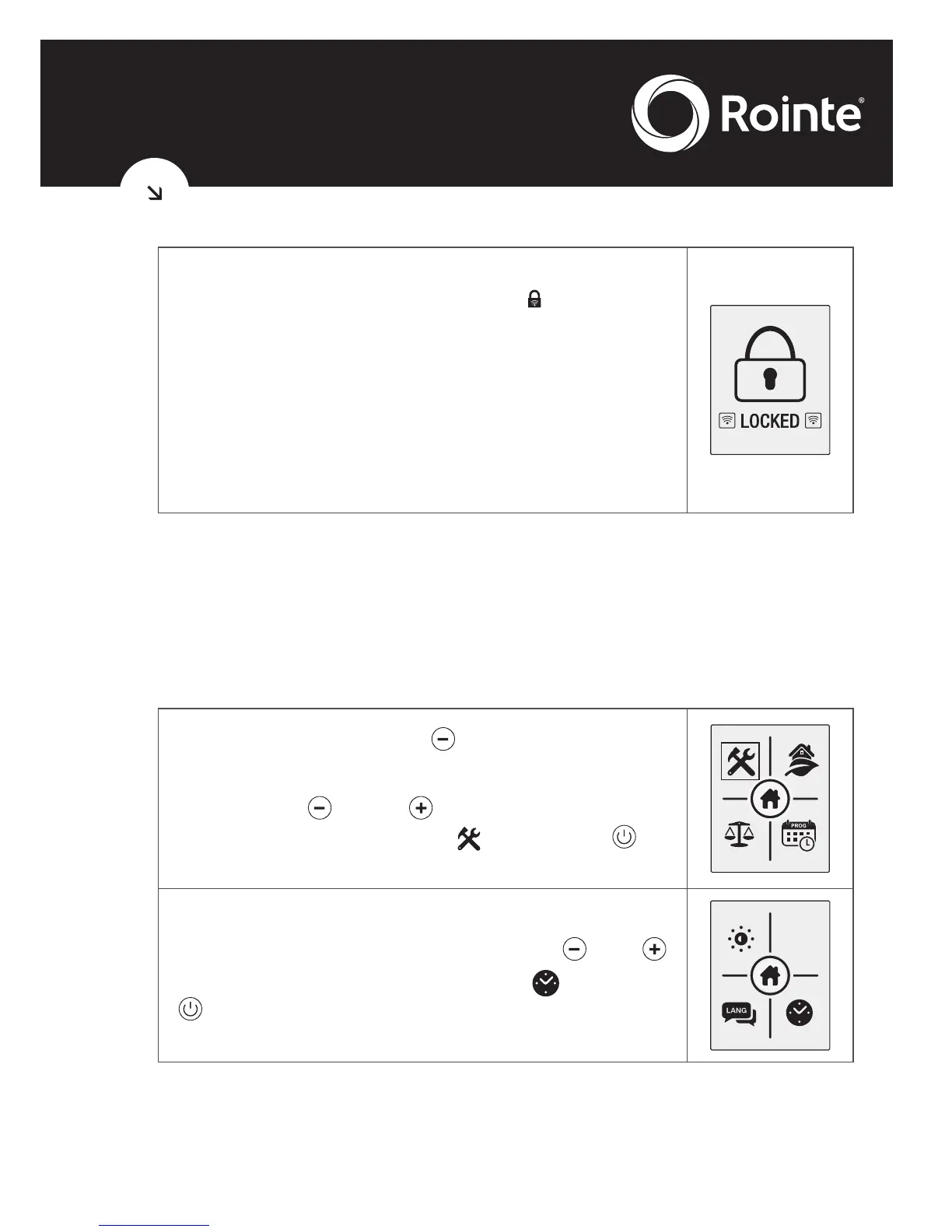
When the radiator is locked from the AIR Control
remote, the remote keypad lock will appear
on the screen.
If any button is pressed, the image on the right
will be displayed.
When the keypad has been locked remotely,
it can only be unlocked remotely via the AIR
Control remote.
1.5. Setting the day and time
You can set the time on the radiator from the control panel of the
product itself. Here we show how to do it from the control panel of
the product itself.
Press the menu button to access the main
menu.
Using the and buttons select the
configuration sub-menu
and press to
access.
In the configuration menu use the and
buttons to select the clock option and press
to access.
Clear
Memory





 To Next Page