10
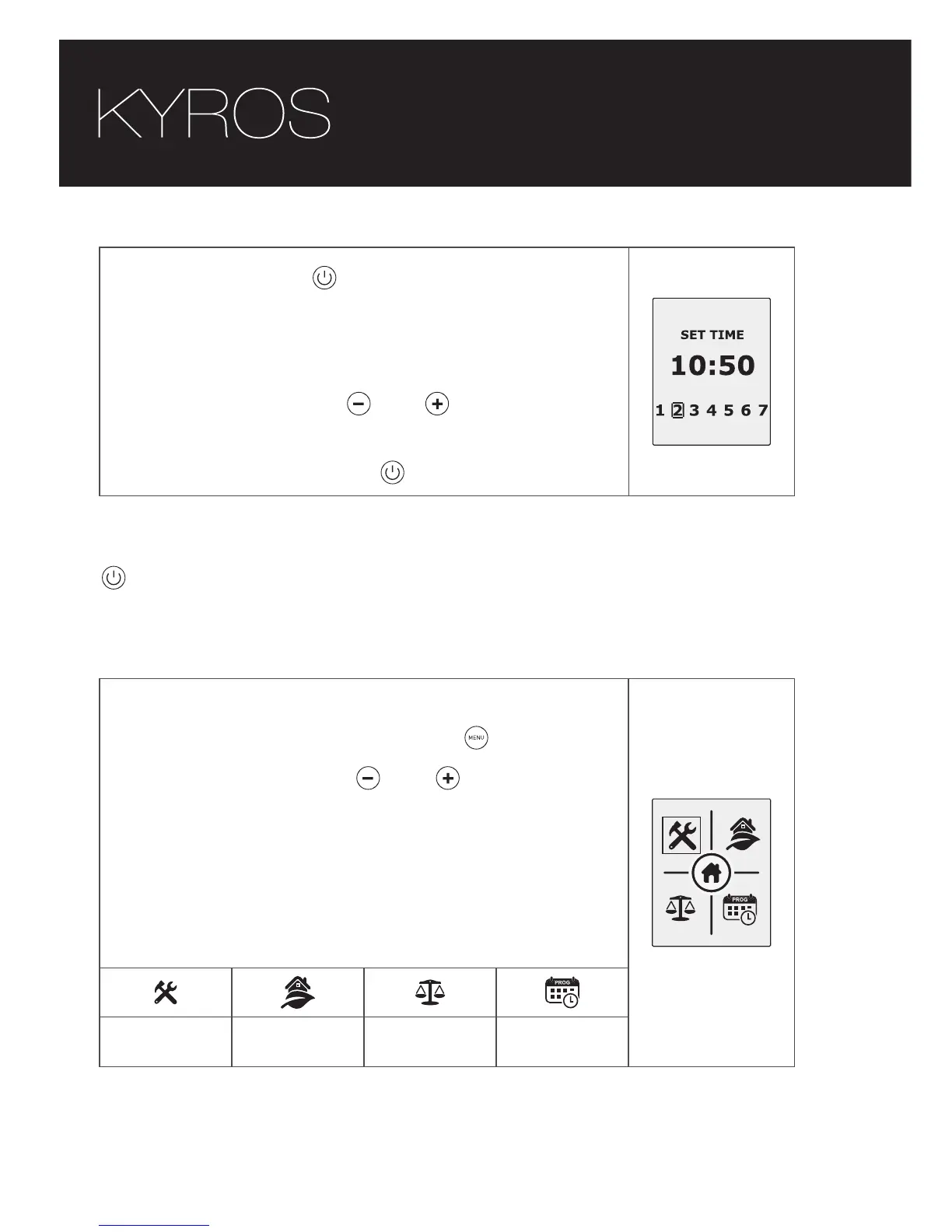
Press the button , the hours, minutes and
days of the week will flash according to the
number of times it is pressed (1 for hours, 2 for
minutes and 3 for day of the week).
Pressing the buttons and , set the correct
time and day.
Confirm by pressing the button.
To leave the time and date adjust feature, wait 30 seconds or press
after the day of the week selection.
1.6. Main menu
The main menu of your Kyros radiator is
accessed by pressing the menu button.
Pressing the buttons and , we can move
across the different options on the menu.
The selected submenu will be highlighted with
a frame.
The icons displayed on the following screen take
you to the following submenus.
Settings
submenu
Energy
submenu
Balance
function
Program
submenu





 To Next Page