1.2. Switching On & Off (stand-by)
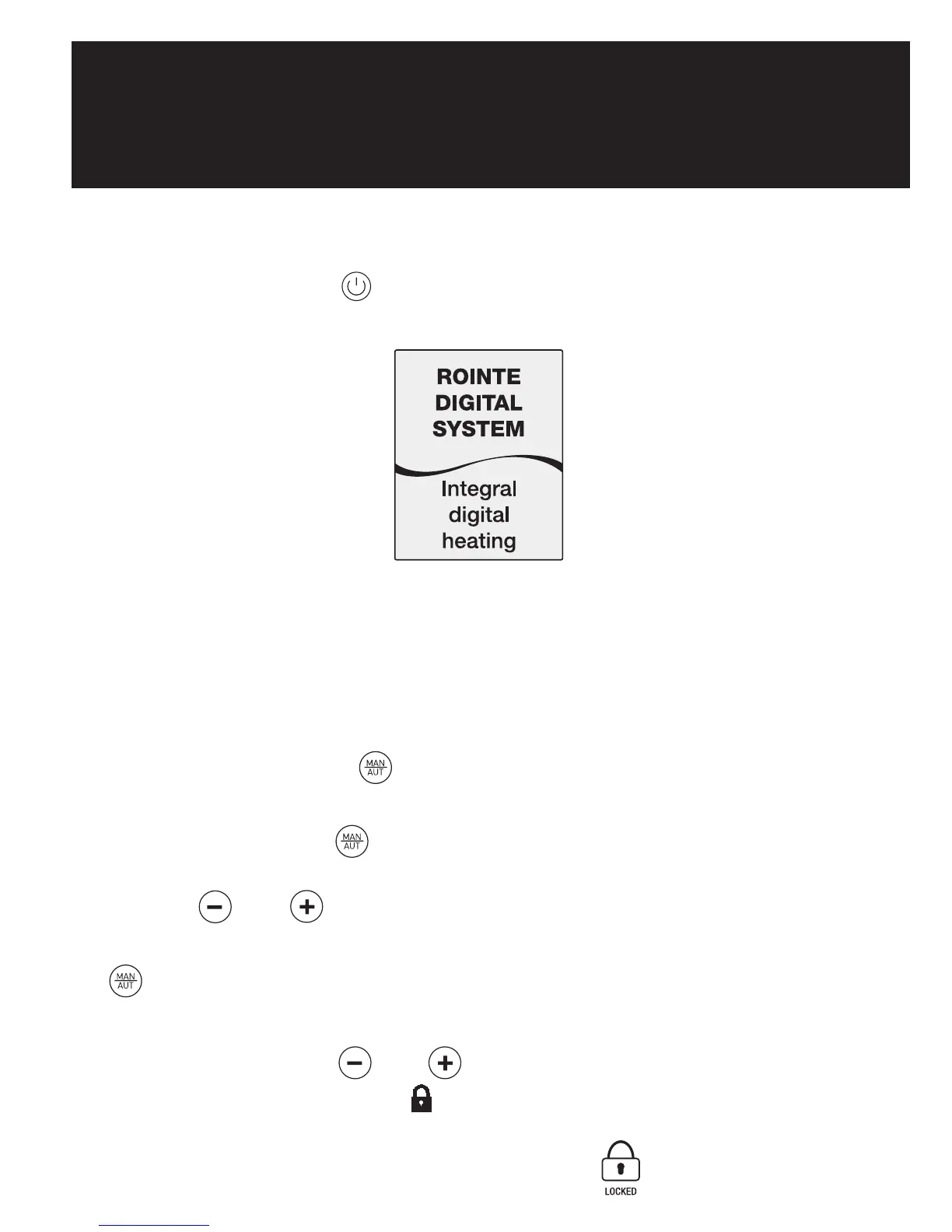
By pressing the key , we can switch the radiator on or off. The
following image will appear on the screen when switched on:
The screen will automatically go into sleep mode if no button is pushed
for 10 seconds. By pushing the button again the radiator will go into
standby mode with the word “Standby” appearing followed by the
Rointe logo.
1.3. Setting the day and time
By pressing the button for 3 seconds, we can access the time and
date adjust feature to adjust the time and date of our radiator.
Pressing the button , flashes up the hours, minutes and days of
the week according to the number of times it is pressed. With the
buttons and we can alter the current settings.
To leave the time and date adjust feature, wait 30 seconds or press
after the date select.
1.4. Locking the control panel
By pressing the keys and , at the same time for 3 seconds, we
lock the control panel. The control panel symbol is activated and
the keys will not respond when pressed. The following symbol will
appear on the screen if any button is pushed:



 To Next Page