What to do Step 3 (continued)
Pairing your remote control
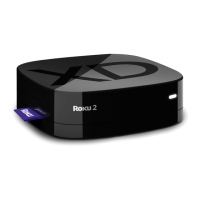
The Roku remote should automatically pair with your
Roku player at the beginning of Guided Setup. If you
are not able to use the remote to navigate through
Guided Setup, you can manually pair the Roku
remote by following these steps:
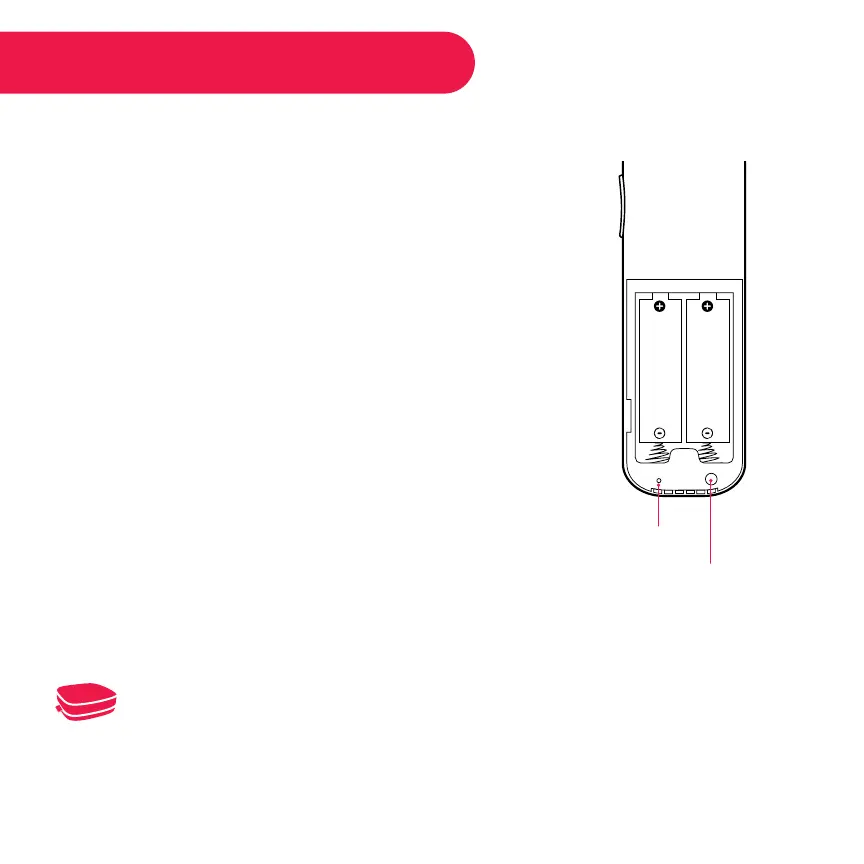
•• Open the Roku remote battery compartment
and press and hold the pairing button until the
LED begins to flash.
•• A pairing dialog should appear on your TV
screen. Once the dialog disappears, try using
your remote to continue setup.
Pairing button
(in battery compartment)
Status LED
For more information on pairing your remote, see http://support.roku.com.



 To Next Page