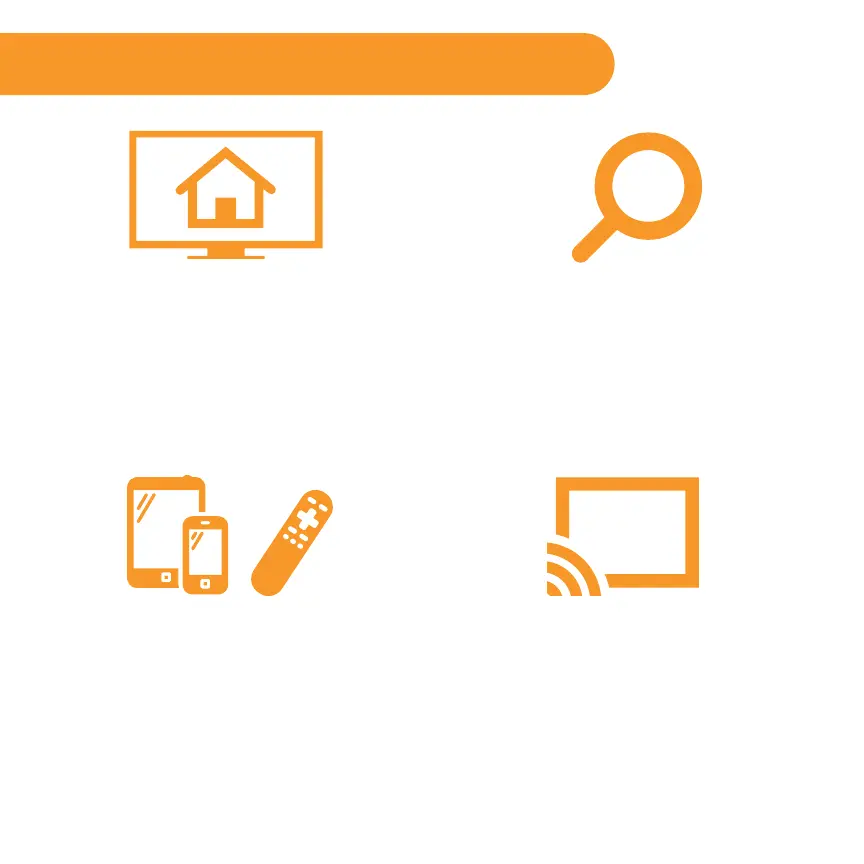
Choose & Personalize
Your homescreen is yours to personalize.
Select your favorite channels from over
2000 choices* in the Roku Channel store.
Then, arrange the channels in the order
that’s best for you.
Control with Ease
Both our simple remote and our mobile
app let you navigate with ease. Here’s a
hint: Try the star button on any screen or
channel to access an options menu.
Search
Find what you want to watch by searching
across top streaming channels. Then, choose
the best option or value. Follow movies,
actors, TV shows & episodes, to get updates
when your favorites are ready to watch.
Cast Media
Cast and mirror videos, music, photos, and
more from your mobile devices** to your
TV. Use the Roku app, Netflix and YouTube
apps, or built in screen mirroring capabilities.
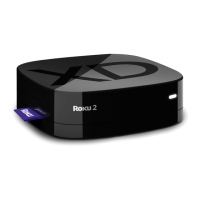
Get the most out of your Roku player
*Subscription or other payment may be required to access certain content. Channel availability subject to change.
**Applies to select iOS®, Android™ and Windows® devices only.
For more information, please visit http://support.roku.com.



 To Next Page