2
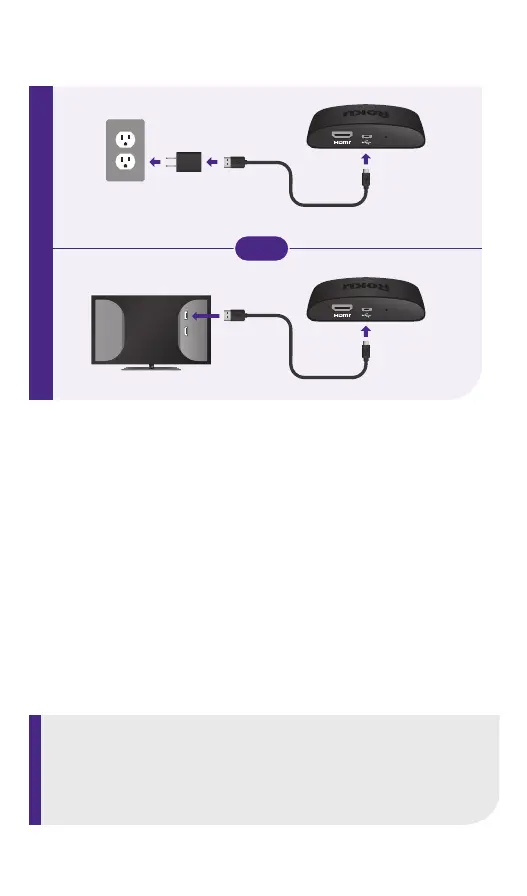
STEP 2: Connect to power
For the best streaming experience, use the included
USB power cable and power adaptor to connect
your streaming player to a wall outlet. Or use the
included USB power cable to connect to the USB
port on your TV.
USB
HDMI
NOTE:
See a red light on your streaming player?
That means the USB port on your TV is not providing
enough power. Use the included power adaptor instead.
RESET
RESET
OR



 To Next Page