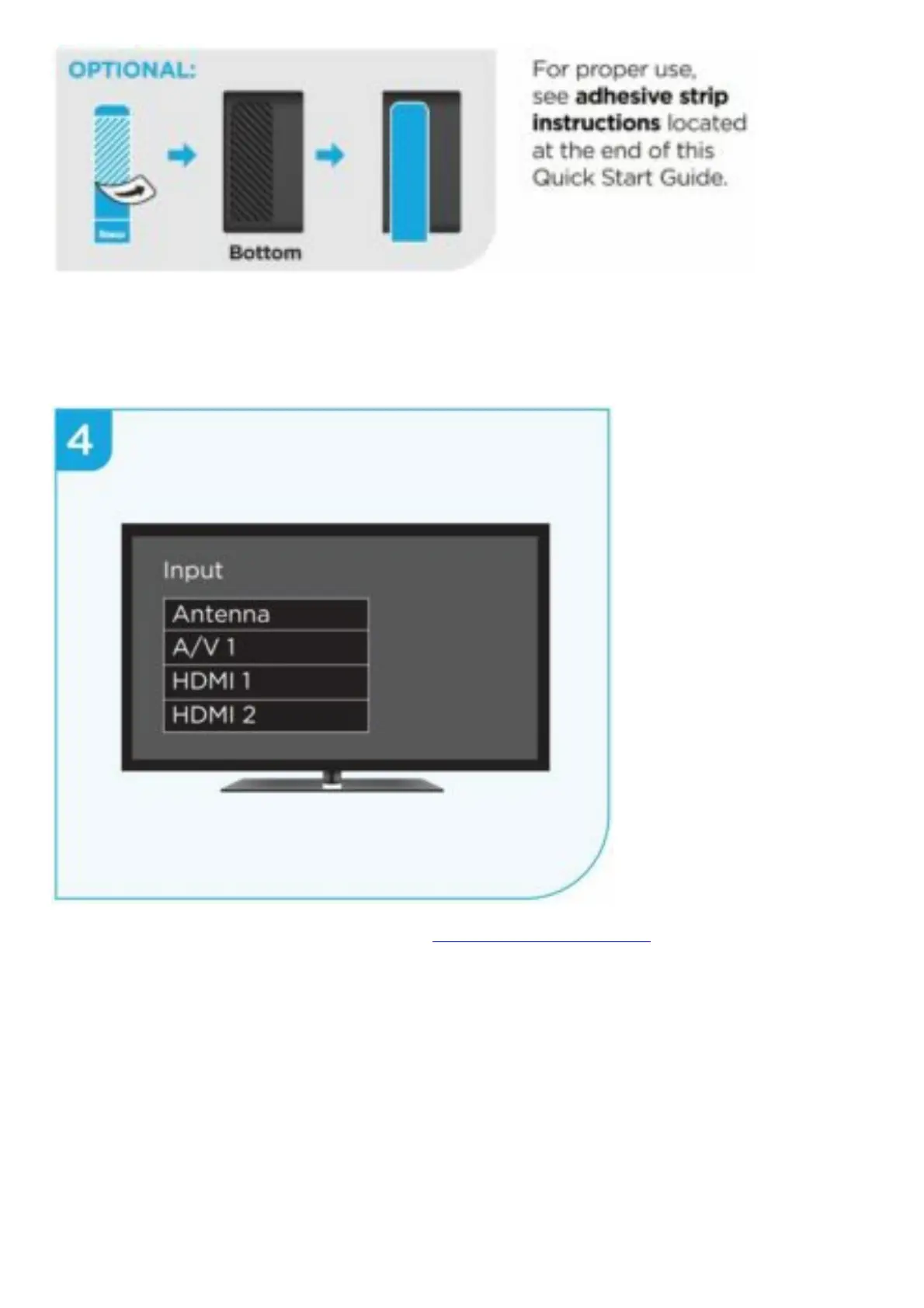
STEP 4: Power on TV and select input
Use your TV remote to power on your TV and select the input you used to connect your streaming
player.
For help on how to select the correct input, visit go.roku.com/selectinput
STEP 5: Insert batteries
On the back side of the remote, slide open the battery cover. Insert included Duracell® batteries
placing the negative (-) ends in first.






 To Next Page