654
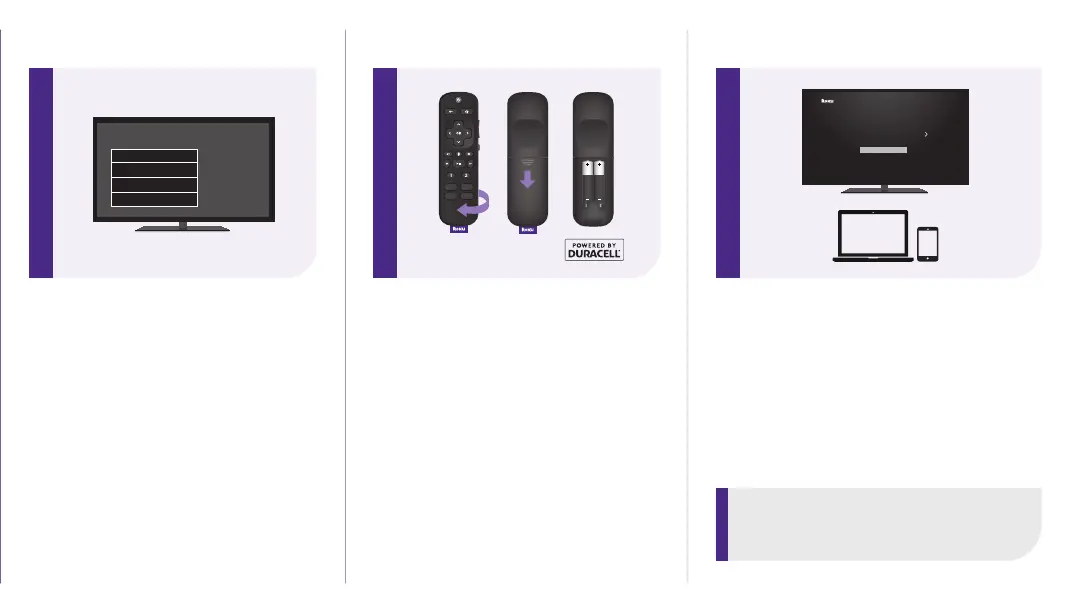
STEP 4: Select input
Use the remote that came with
your TV to select the HDMI input
(source) you used to connect
your Roku Streambar Pro.
Antenna
A/V 1
HDMI 1
HDMI 2
Input
STEP 5: Insert batteries
Slide open the cover on the
back of your remote and
insert the included Duracell®
batteries. Your remote will
pair automatically.
STEP 6: Follow on-screen setup
Follow the instructions on your TV
screen. Activate your Roku Streambar
Pro by using your computer or
smartphone to link to a Roku account.
IMPORTANT:
Roku does not charge for activation
support – beware of scams.
Let’s get started
English
Deutsch
Español
Français
12:40 pm | Options



 To Next Page