However, you will not be able to take advantage of 4K resolution without a 4K compatible TV,
or 4K HDR without a 4K HDR compatible TV. A compatible television is not the only
requirement to stream movies and TV shows in 4K or 4K HDR; learn more about setting up your
Roku player for 4K or setting up your Roku player for 4K HDR.
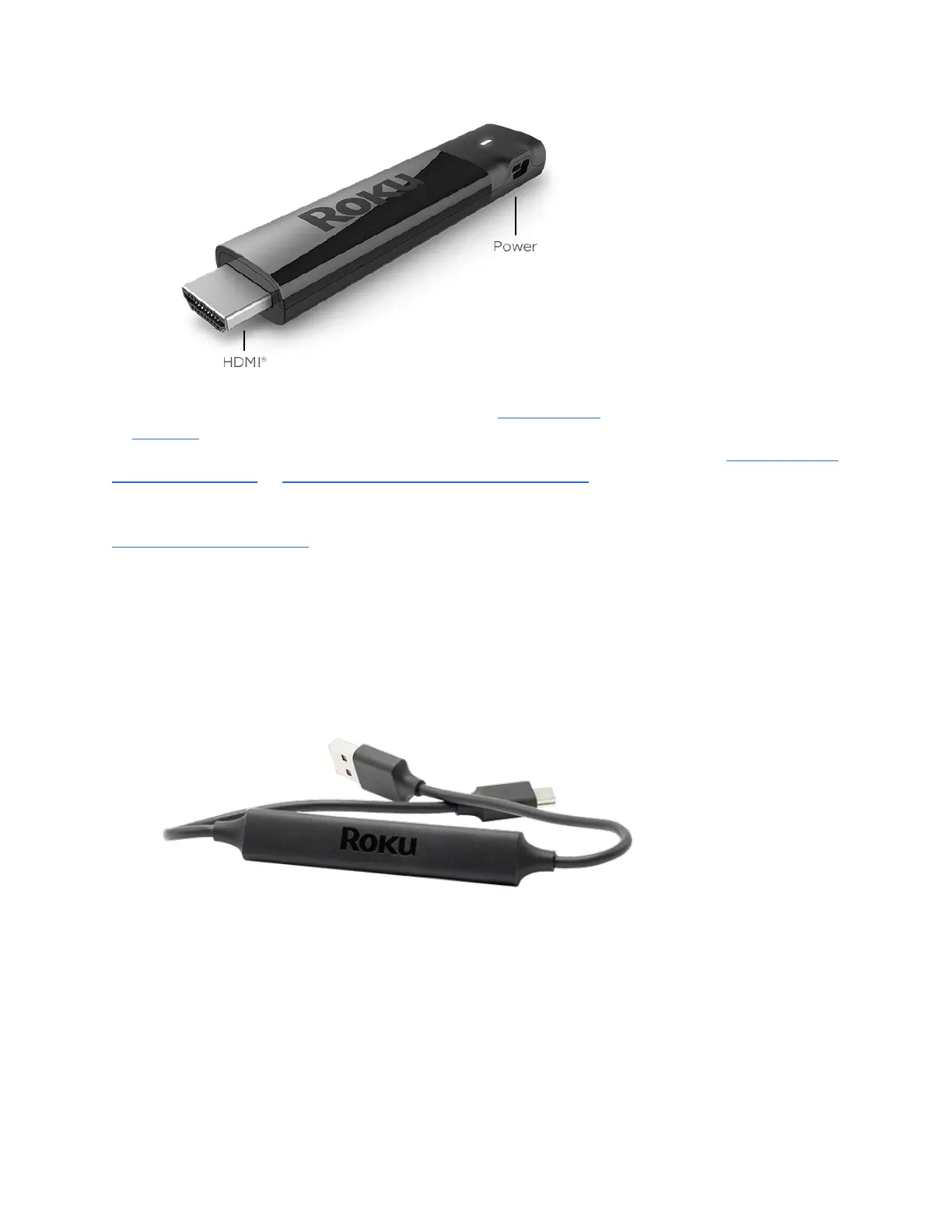
If your Roku Streaming Stick+ will not fit in your TV's HDMI port, then you may wish to get a
free HDMI extender cable.
What is the advanced wireless receiver?
The advanced wireless receiver is part of the USB power cable that must be attached to your
Roku Streaming Stick+. It allows your Roku Streaming Stick+ to connect your wireless network
and the internet so you can stream movies, TV shows and more.
The advanced wireless receiver is designed to reduce wireless interference providing a faster and
more reliable connection. Power is provided to your Streaming Stick+ by connecting the
advanced wireless receiver to the USB port on your TV, or preferably, a wall outlet (when used
with the included USB power extender cable and power adapter).
How do I connect my Roku Streaming Stick+?
Use the diagrams below as a guide to help connect your Roku Streaming Stick+. Make sure all
connections are secure and firmly attached.



 To Next Page