Doc No.: EVSECI-001 Rev: 01
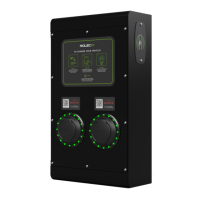
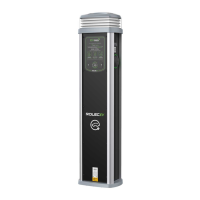
This instruction is applicable to the following EV SecuriCharge products:
EVSC0010, EVSC0020, EVSC0050 & EVSC0060
INSTALLATION INSTRUCTIONS
All installation work is to be carried out by a competent and suitably qualified engineer.
1. Establish a suitable mounting location for the SecuriCharge that is both secure and environmentally
safe.
2. Carefully remove the SecuriCharge from its packaging and check that it is undamaged.
3. Open the front of the unit by unscrewing the six screws that secure the front cover to the base (retain
the screws).
4. Remove the SecuriCharge from the wall and drill the wall to receive the fasteners.
5. Cut a suitably sized hole in the unit to receive the supply cable.
6. Using the four fixing points and suitable fasteners, screw the unit into position ensuring a good
watertight seal.
7. Using an appropriate and water resistant method of cable entry into the unit, terminate the supply
cable in the appropriate manner and connect to the Live, Neutral and Earth input supply terminals.
8. Switch on the overload/fault current device.
9. Refit and secure the front cover, ensuring no cables are trapped beneath it.
10. Switch on the power to the unit and test in accordance with current regional electrical regulations.
OPERATING INSTRUCTIONS
Status Indicator Guide
Flashing blue light - Ready for Charge (IEC socket only)
Fixed blue light - Cable plugged in but not charging
Fixed green light - Charging in progress
Flashing red light - Fault indicated - Switch off unit at source and switch back on after 20 secs to
clear fault. If fault persists, contact your installer
Vehicle Charging
Ensure the status indicator shows a blue light
Use the key(s) at the side of the unit to unlock the magnetic flap(s) covering the charge point
socket(s). The key(s) may then be removed
Insert your charging cable into the vehicle first and then insert the other end into the charging
point socket
Ensure the status indicator changes to a fixed green light
To disconnect: remove the plug from the vehicle first then remove the plug from the charging
point socket; this allows time for the lock to disengage in the socket
Ensure the flap over the charge point socket is closed; turn the key and remove it

 Need help?
 General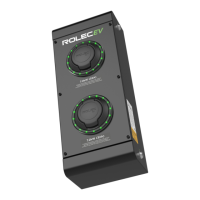

 To Next Page