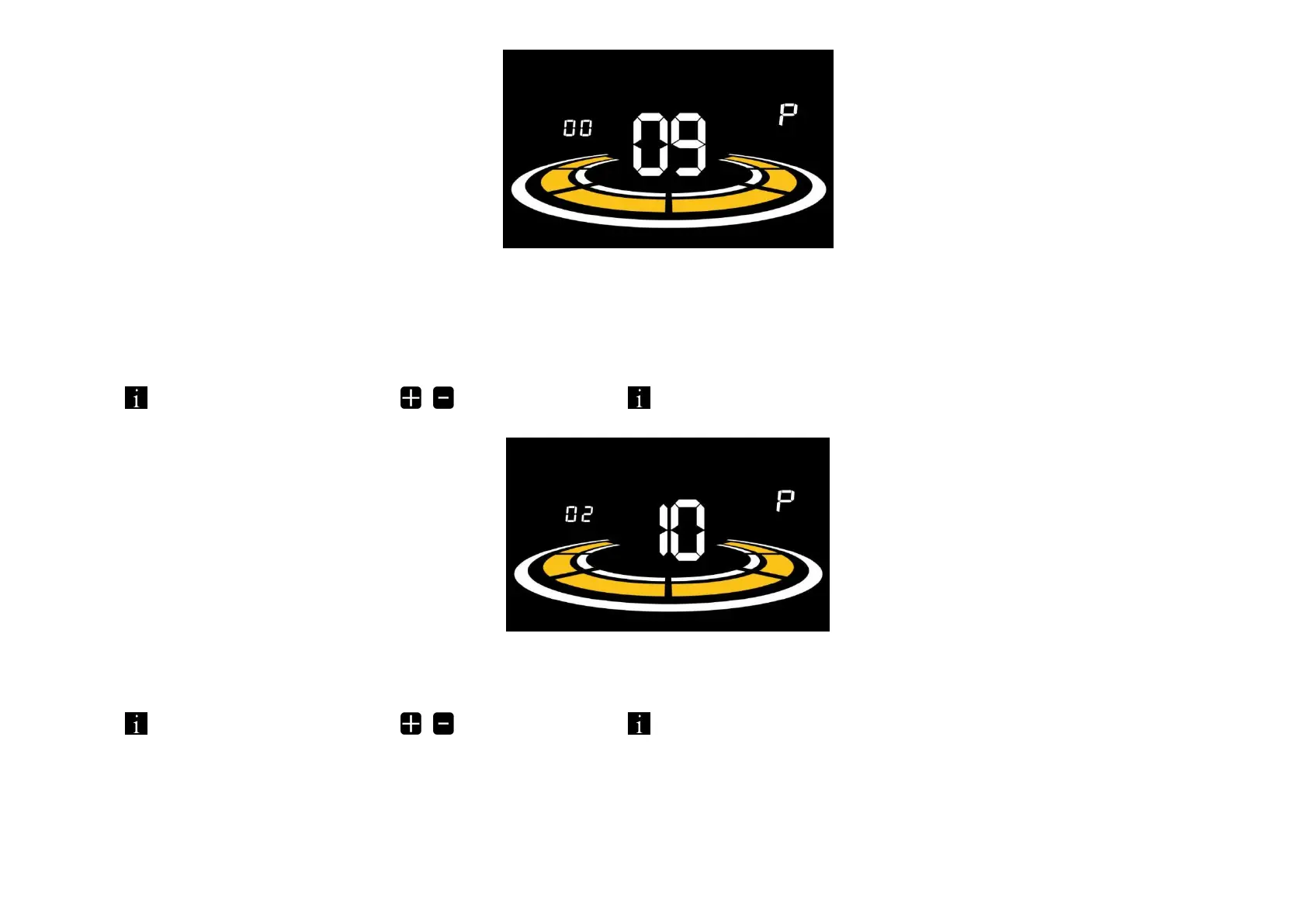
Figure 6-9 Start-up setting interface
6.10 Drive mode setting
10P is the drive mode setting. The available drive modes are: 00→Pedal assist only, 01→Electric only, 02→Both Pedalassist and electric.
Press to enter the parameter changing state. Press the
/
to select the parameter and press to save the parameter setting and return to the personalized parameter setting interface.
Figure 6-10 Drive mode setting interface
6.11
Pedal assist sensitivity setting
11P is the pedal assist sensitivity setting. When set to higher numbers, it will take more crank rotations to activate themotor. On lower numbers, it will take little crank rotation to activate the motor. The adjustable range is: 1~24.
Press to enter the parameter changing state. Press the
/
to select the parameter and press to save the parameter setting and return to the personalized parameter setting interface.



 To Next Page