ENGLISH
64
Settings
Menu in camera mode
In camera mode, press the menu button to access the camera settings.
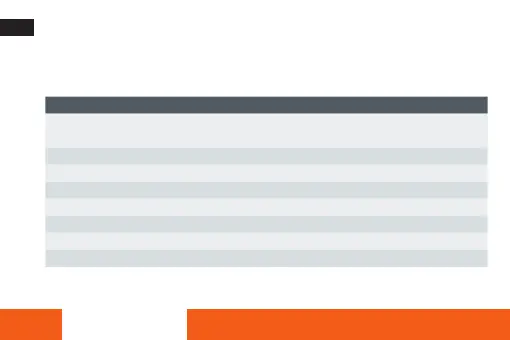
Menu Explanation
Resolution 5 MP: 2.592 x 1.936 | 8 MP: 3.264 x 2.448 | 12 MP: 4.032 x 3.024 |
16 MP: 4,640 x 3,472 | 20 MP: 5,200 x 3,888
Stabilisation Prevents camera vibrations from affecting image quality
Self-timer Set the self-timer countdown to: Off / 2s / 5s or 10s
Filter Choose from different colour filters
Continuous shooting Take three consecutive photos
Quality Fine / Normal / Little
Sharpness Strong / Normal / Soft
White balance Auto / Sunny / Cloudy / Tungsten / Fluorescent










 To Next Page