76
Settings
Note: The message “No File Exist” will appear on the LCD screen if there are no photos or videos in your camera.
press mode button to return to the camera or video mode and begin taking photos or videos.
Full screen to thumbnail display
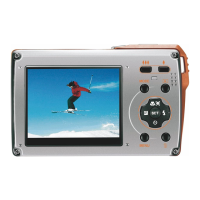
When the camera is in playback mode, press W to enter the thumbnail, a lot of thumbnail images will appear on
the LCD screen.
1. Press the W button.
2. This will open up the thumbnail display.
3. Press up / down / left / right button and select a thumbnail of a photo or video.
4. Press menu button to display the photo or video in full screen.
Zoom in or out of the photo
1. Select a photo.
2. The icon will display on the top left corner of the LCD screen.
3. Press the T button to zoom into the photo.
4. Press up / down / left / right button to navigate around the photo.
5. Press the W button to zoom back out.
ENGLISH











 To Next Page