3
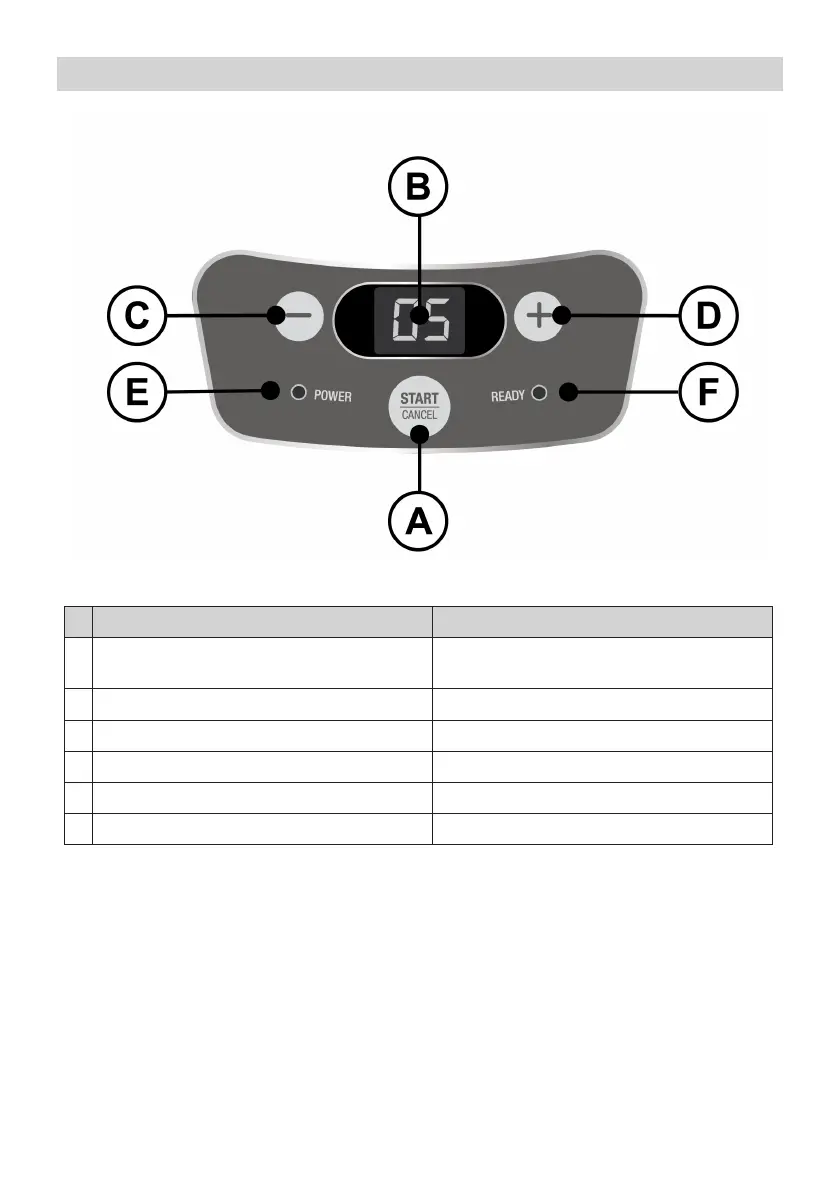
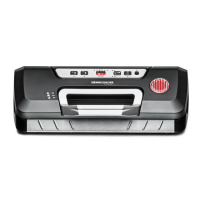
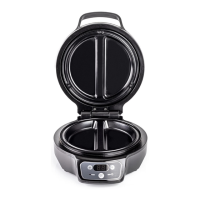
Bedienfeld – Control Panel
D GB
A
Taste „START/CANCEL“
zum Starten bzw. Abbrechen der Zubereitung
button “START/CANCEL“
for starting resp. for cancelling the preparation
B Display zur Anzeige der Restlaufzeit display of residual time
C Taste „-“ zur Reduzierung der Laufzeiteinstellung button “-“ for decreasing the set time
D Taste „+“ zur Erhöhung der Laufzeiteinstellung button “+” for increasing the set time
E Betriebs-Kontrolllampe „rot“ operating pilot lamp “red”
F Temperatur-Kontrolllampe „grün“ temperature pilot lamp “green”


 To Next Page