8
© All rights reserved by Rosewill
User Manual
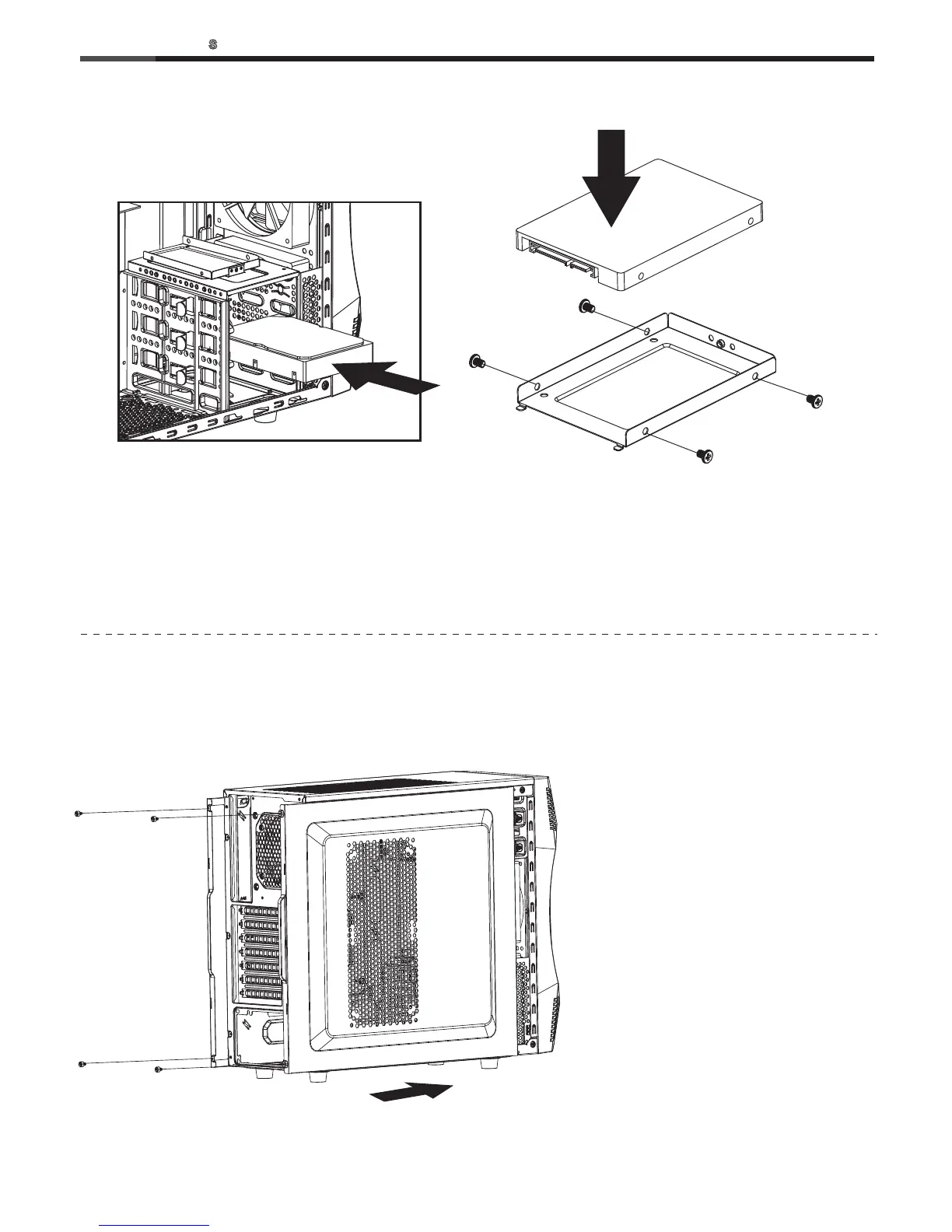
6-1 Slide the side panels back and
secure with thumbscrews.
5-1 Insert the 3.5” HDD into the cage
until the latch clicks.
5-2 Remove the thumbscrew to retrieve the 2.5” bay.
5-3 Secure the 2.5” SSD/HDD with screw-A.
5-4 Install back with the thumbscrews.
5. Install 3.5”/2.5” HDD/SSD
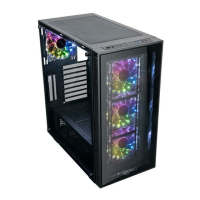
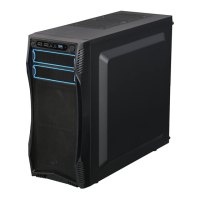
6. System Ready
CHALLENGER-
CASE



 To Next Page