Quick User Guide
9
CULLINAN MX Series
Gaming Case
8. Options
8-1. Additional Fan Installation
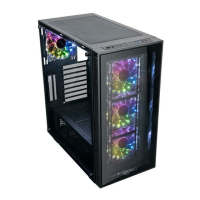
The CULLINAN MX Series provides ample space for adding additional cooling fans.
Please refer to the Specications Table for options.
8-2. Liquid Cooling Radiator Installation
The CULLINAN MX
Series
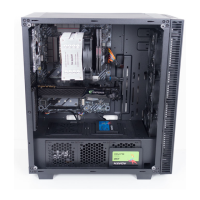
supports the option of installing a max. 280 mm radiator on top
or a 360 mm radiator in the front to more effectively cool high-performance systems (Figure 8).
Instructions for installing water cooling radiator in the front:
a. Unscrew to remove the front panel on the left.
b. Unscrew to remove the 120 mm fans.
c. Secure the radiator with screws and put the front panel back.
Instructions for installing water cooling radiator on top:
a. Remove the top dust lter
.
b. Secure the radiator with screws and put the dust lter back.
8

 To Next Page
 Loading...