3
2.3 Driver Installation
The following section shows you how to install PCIe 2.5G 4-Speed Multi-
Gigabit Network Card driver on different operating systems.
2.3.1 Installation for Windows
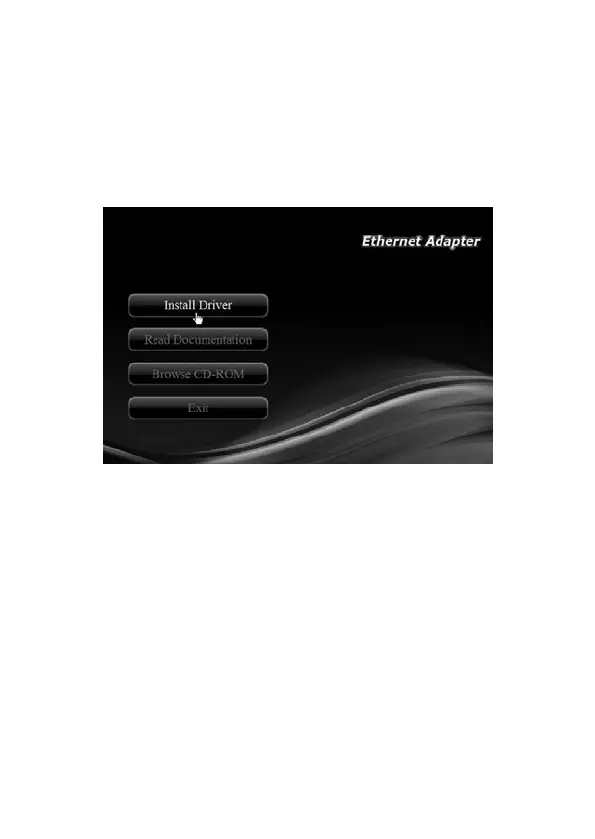
1. Insert the provided CD into your disk drive. The CD-ROM will start
automatically. The following screen will show up and please click “Install
Driver”.
Note: If the install program doesn’t run automatically, please locate and
double-click on the Autorun.exe le in the CD to launch the install
program.
*Note: Actual image may vary


 To Next Page