Wireless Router RNX-EasyN4 User Manual
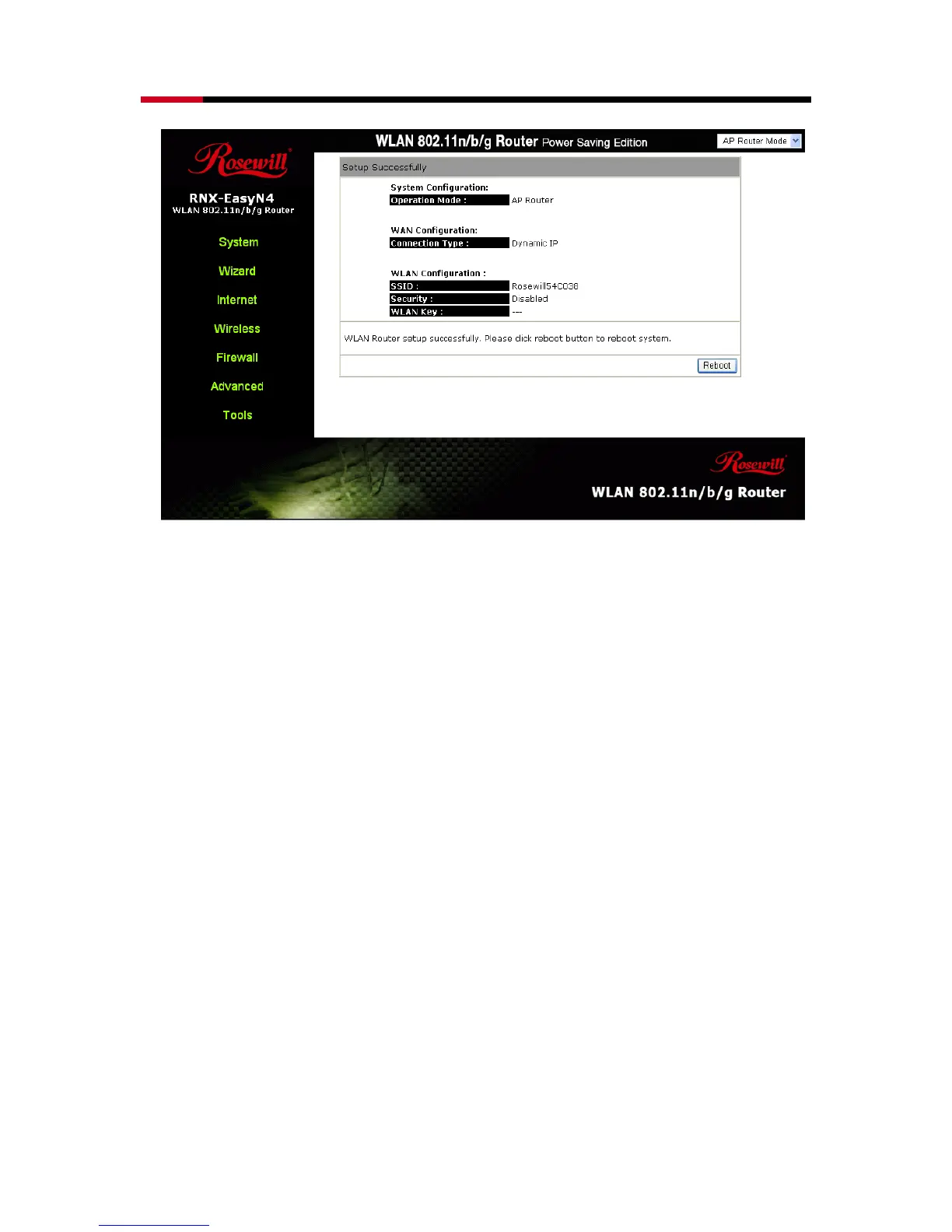
To apply the entire configuration, click <Reboot>.
NOTE:
After Wireless settings are applied, you need to connect from your WLAN
client with the security settings you just finished configuring. Remember
the type of security & security key.



 To Next Page