Wireless Router RNX-EasyN4 User Manual
Click <Apply> at the bottom of the screen to save the above configurations.
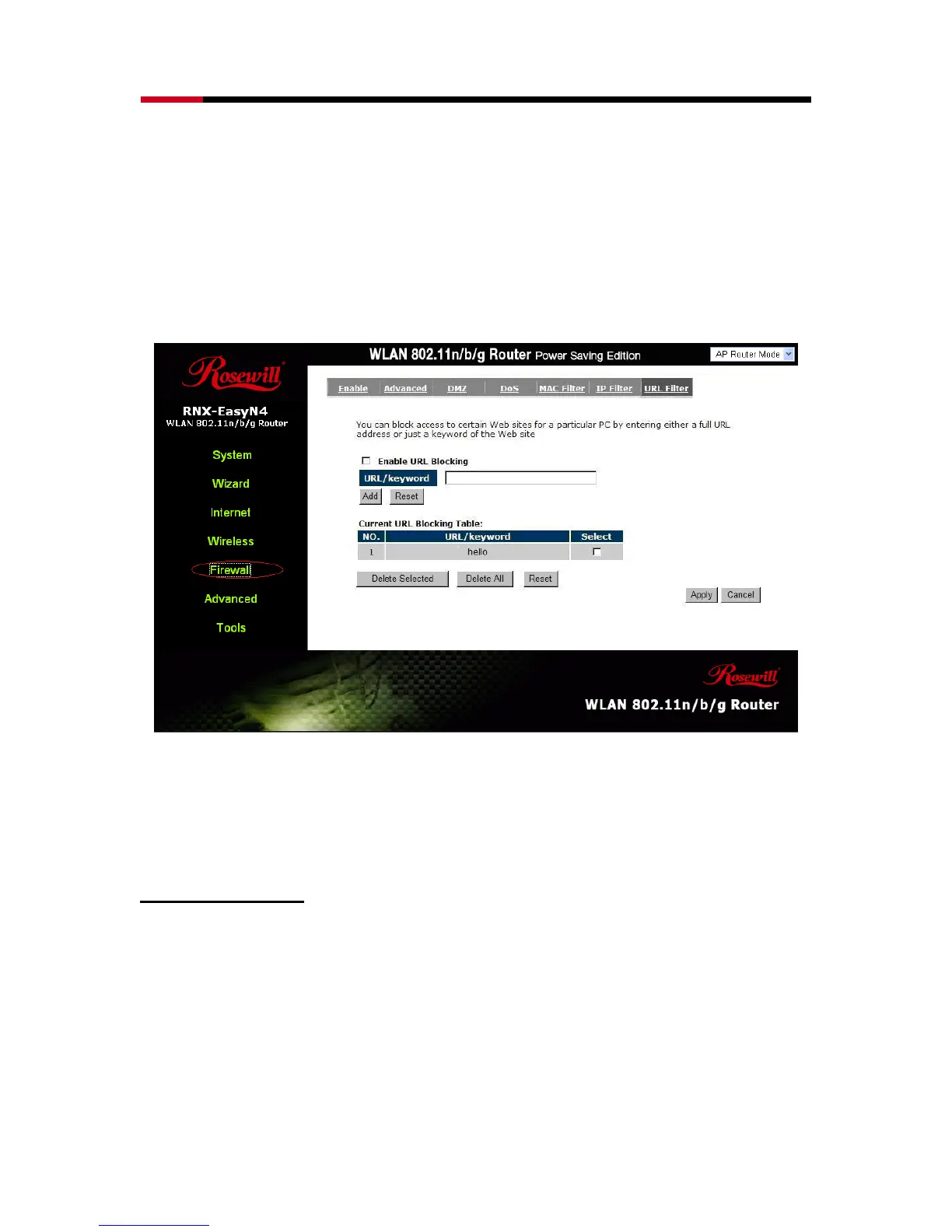
- URL Filter
You can block access to some Web sites from particular PCs by entering a full
URL address or just keywords of the Web site.
Enable URL Blocking: Enable or disable URL Blocking
Add URL Keyword
Fill in “URL/Keyword” and then click <Add>. You can enter the full URL address or the
keyword of the web site you want to block. If you happen to make a mistake and want to
retype again, just click "Reset" and the field will be cleared.



 To Next Page