Wireless Router RNX-EasyN4 User Manual
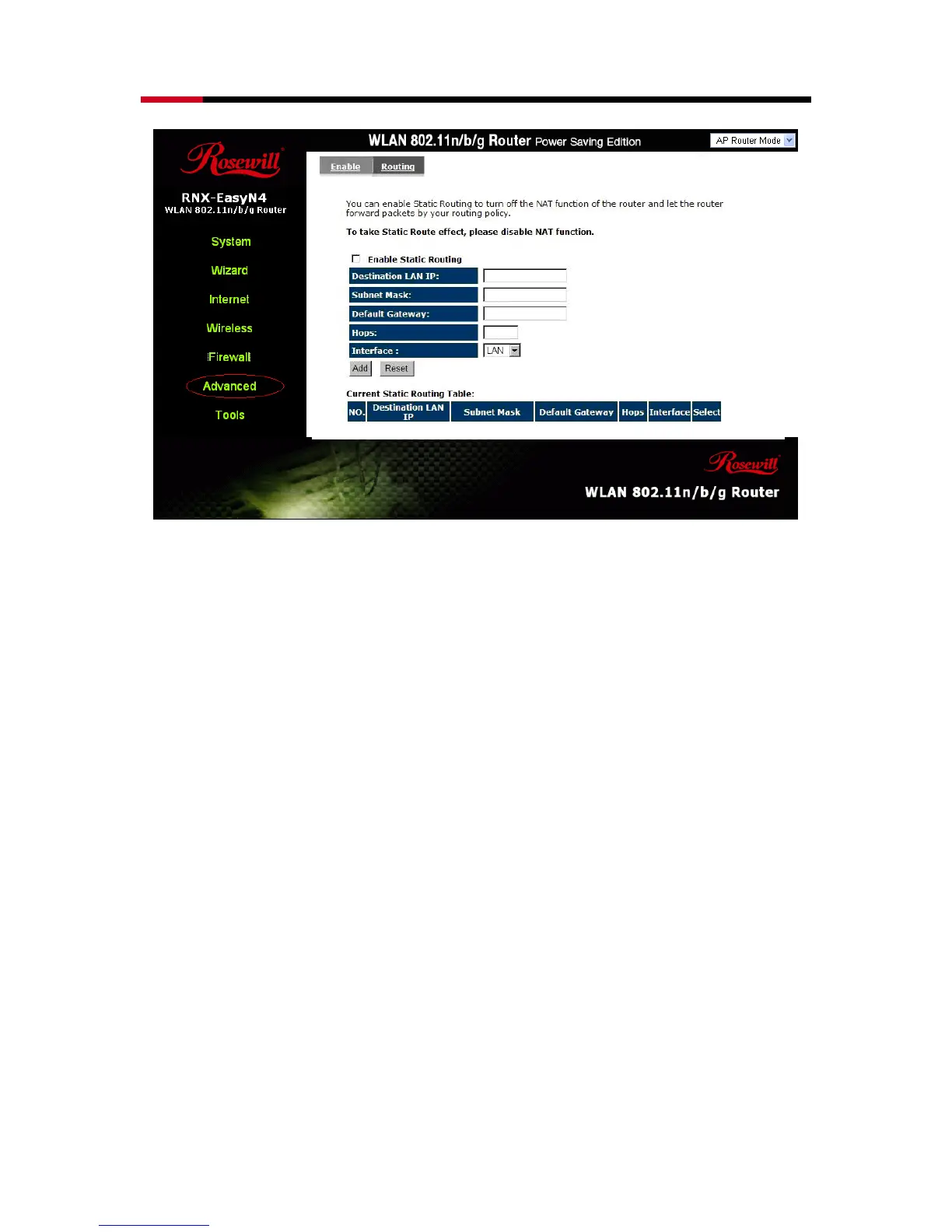
Destination LAN IP: Specify the destination LAN IP address of static routing rule.
Subnet Mask: Specify the Subnet Mask of static routing rule.
Default Gateway: Specify the default gateway of static routing rule.
Hops: Specify the Max Hops number of static routing rule.
Interface: Specify the Interface of static routing rule.
TOOLS Settings
- Admin
You can change the password required to log into the broadband router's system
web-based management. By default, the password is: admin. Passwords can contain
0 to 12 alphanumeric characters, and are case sensitive.



 To Next Page