Wireless Router RNX-EasyN4 User Manual
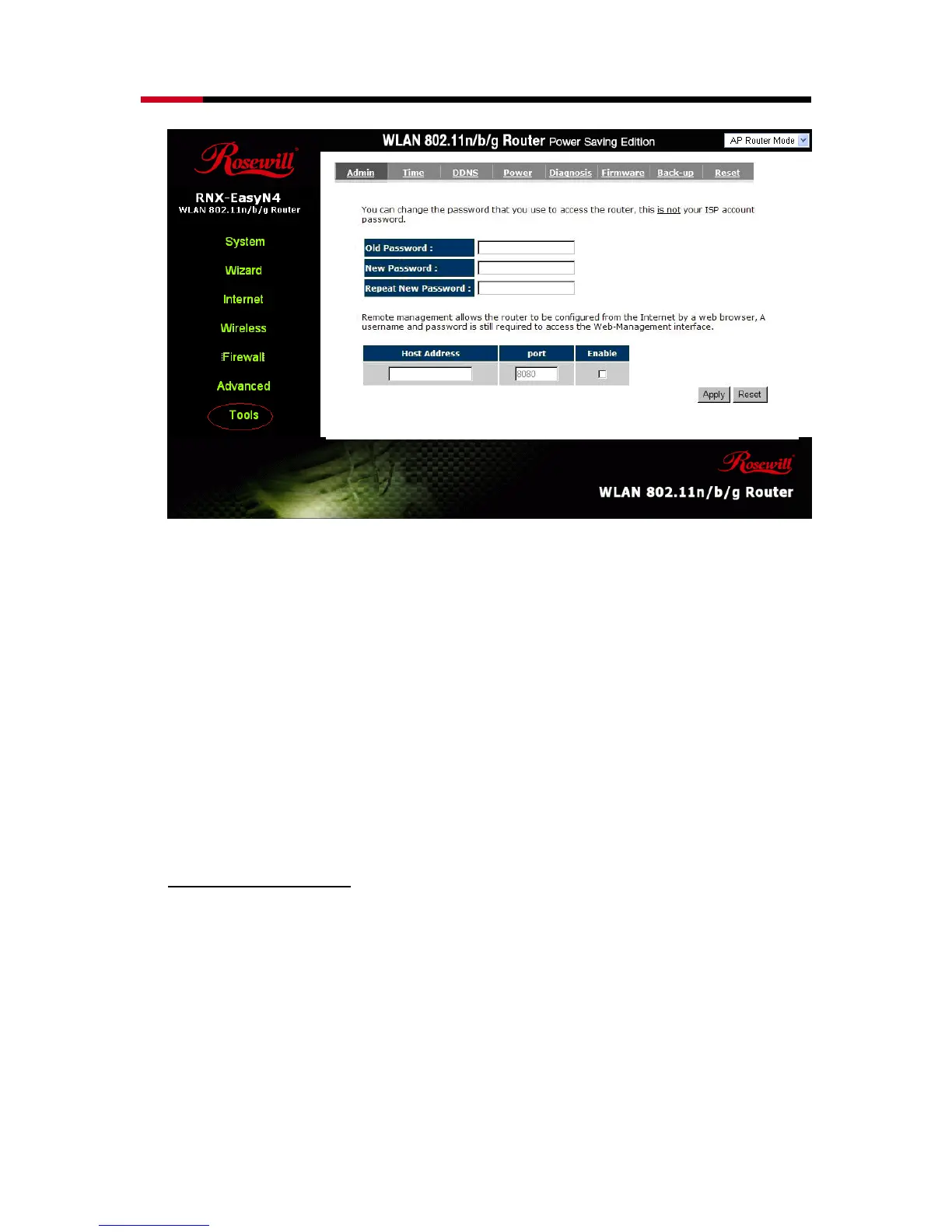
Old Password: Fill in the current password to allow changing to a new password.
New Password: Enter your new password and type it again in Repeat New
Password for verification purposes
Remote management
This allows you to designate a host in the Internet the ability to configure the
Broadband router from a remote site. Enter the designated host IP Address in
the Host IP Address field.



 To Next Page